Guide · 2 · Create a Campaign
Create benefit popups
Shoplive provides benefit banners that make it easy to present a broadcast’s various benefits.
Click Create popup in Popup management, select Benefit as the popup type, and fill in the items below.
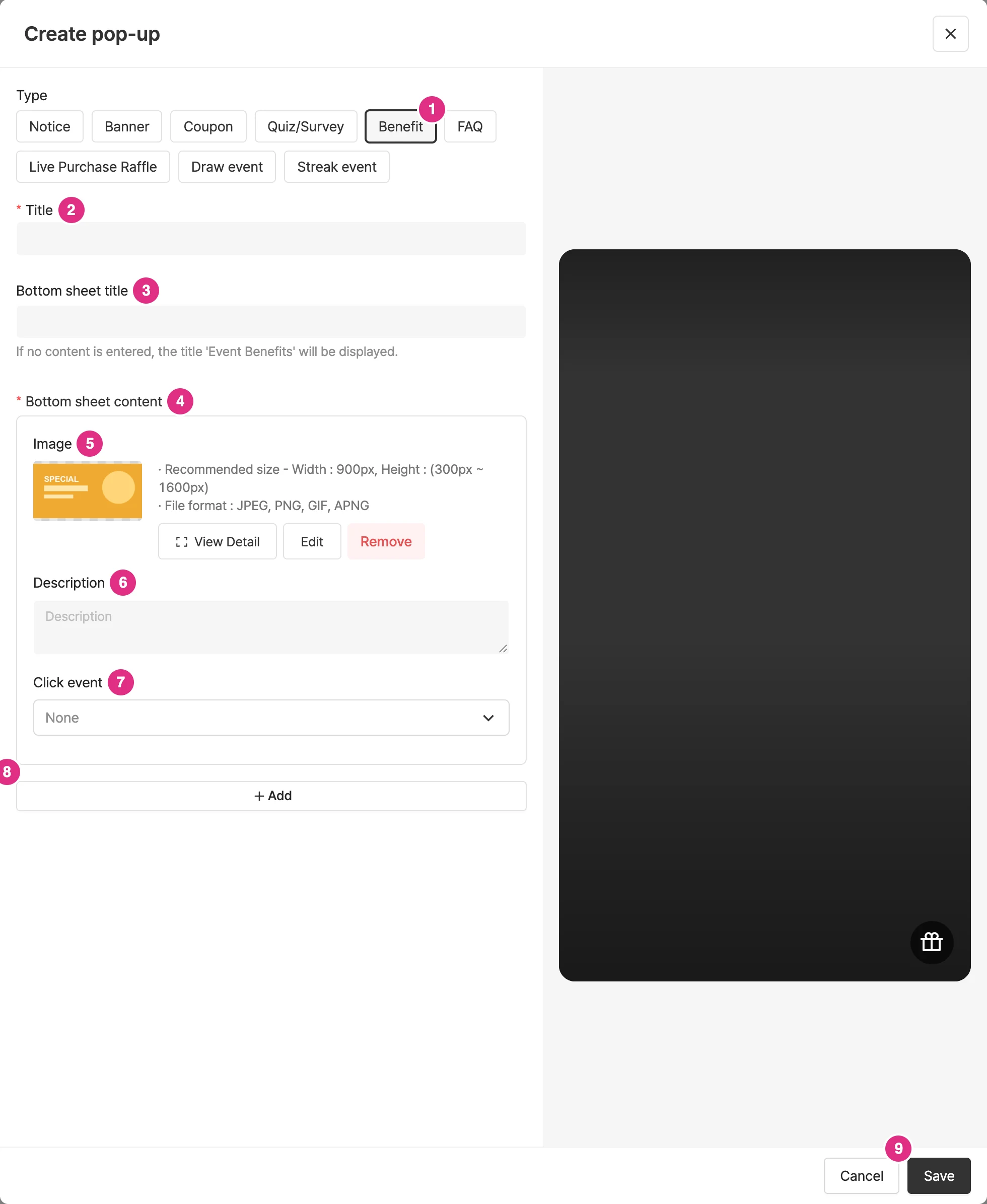
- Type: Select Benefit.
- Title: Required.
- Bottom sheet title: The title shown in the bottom sheet. If you leave it empty, the title "Event benefits" is shown automatically. The bottom sheet title can be up to 22 characters.
- Bottom sheet content: Required. Each content entry needs at least one of an image or a description.
- Image: Make each image 900x1600 (height 300–1600), and keep the file size at 2MB or less.
- Description: Enter the description for each entry.
- Click event: You can set a click event for each entry. You can choose Open bottom sheet as the click event.
- Add: To register more content, click Add and add the content.
- Click Save to create the popup.
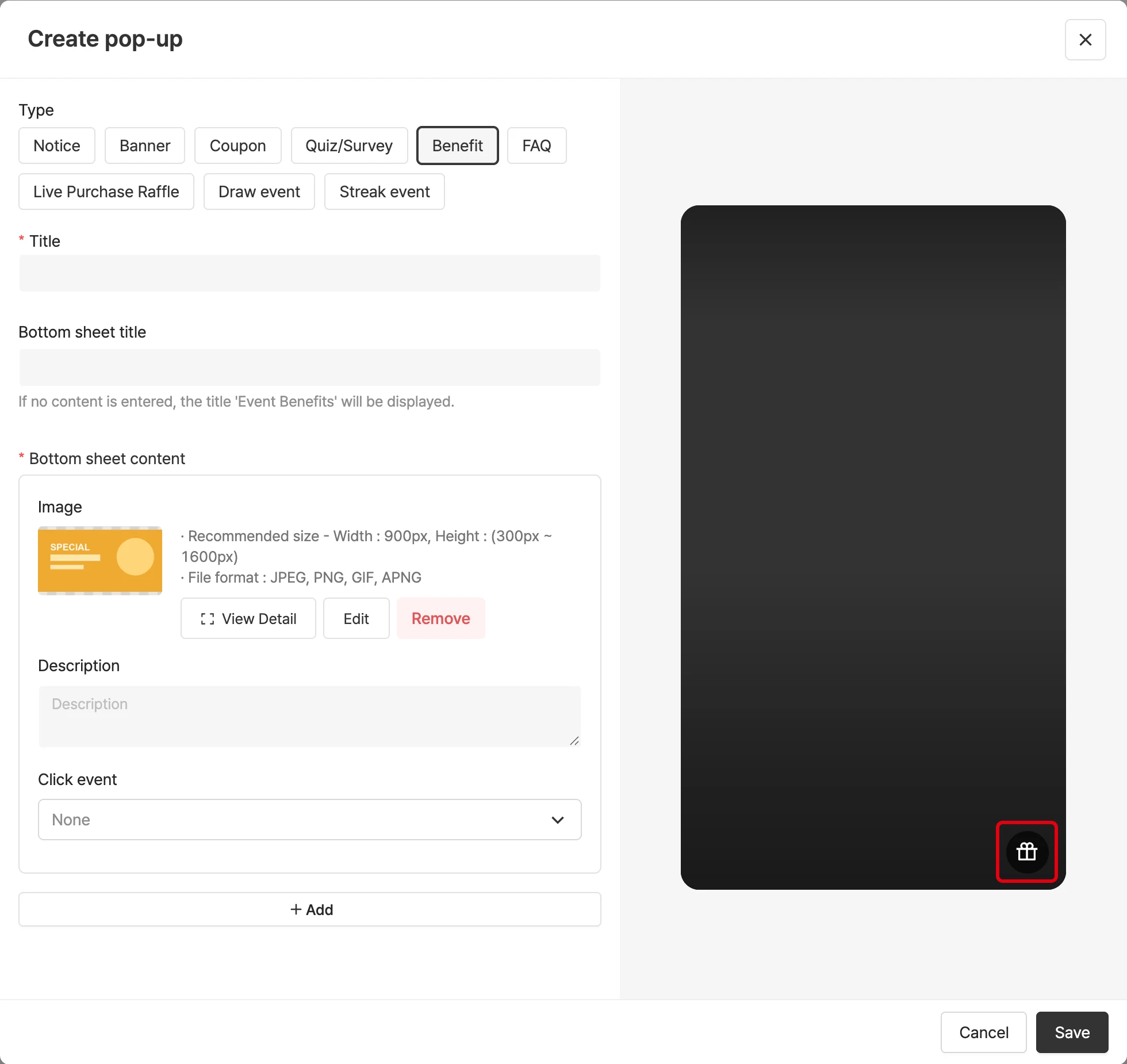
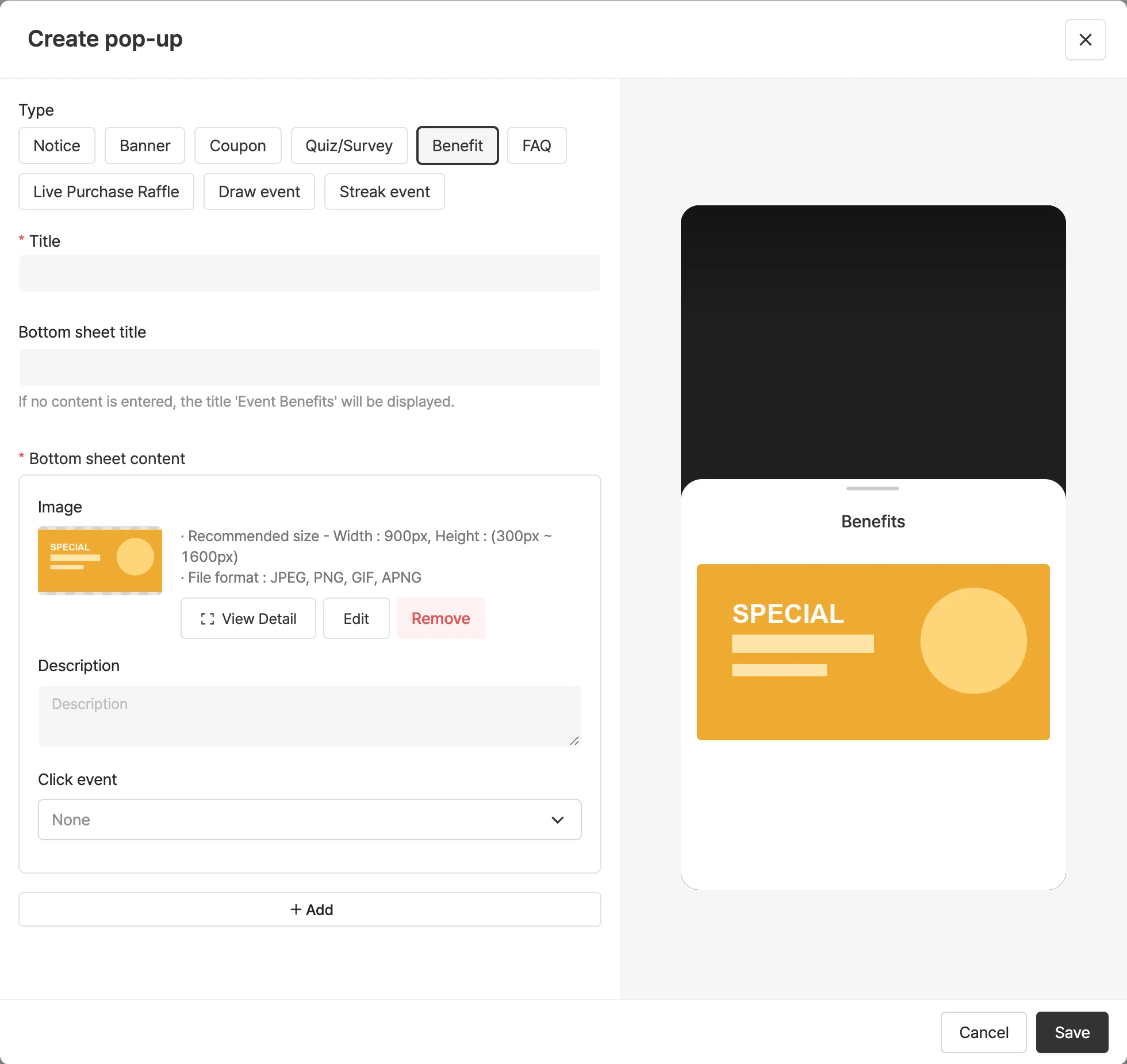
Before saving, click the Benefit banner icon in the preview on the right to check the content.