Use Lottie
Lottie is a JSON file format for adding simple animations to web pages and mobile apps. You can learn more about Lottie on the site below.
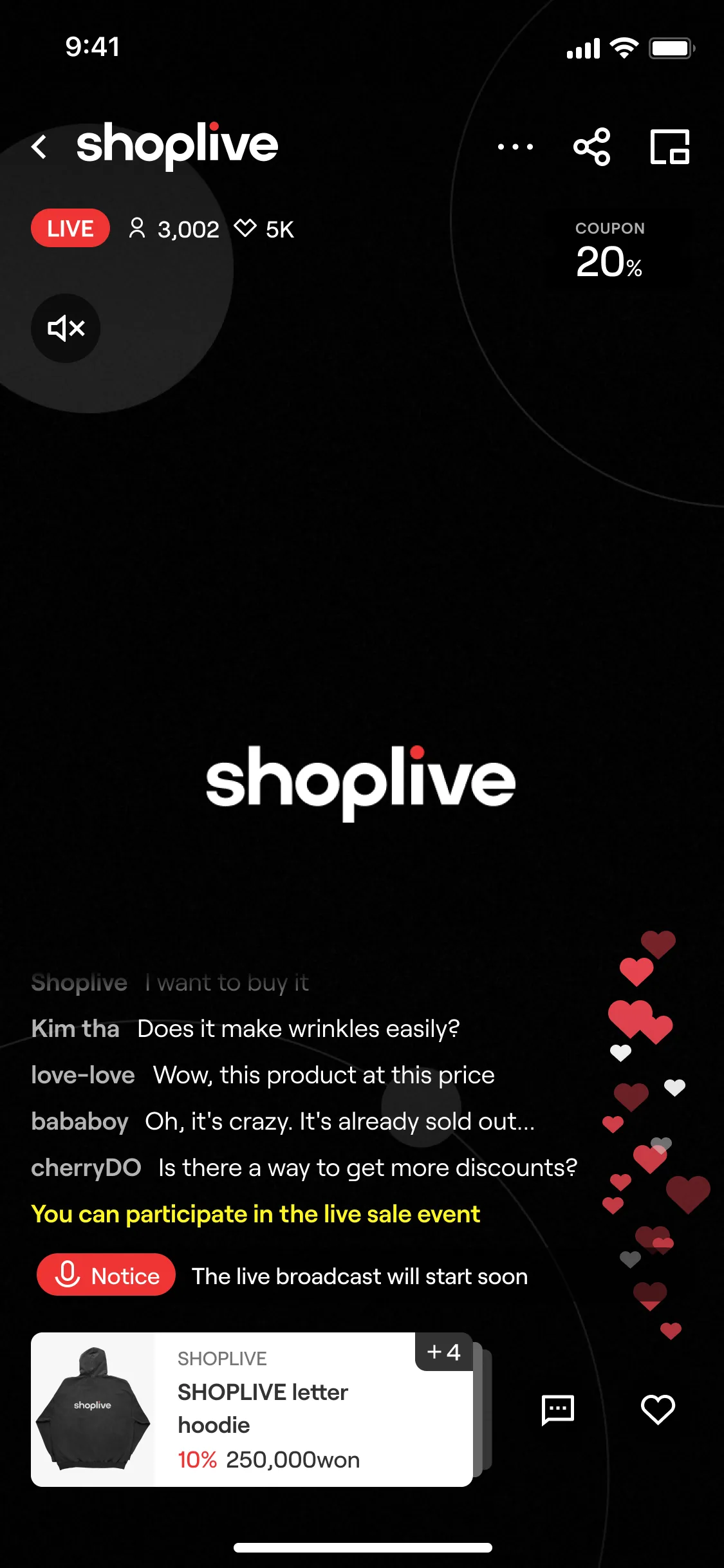
Shoplive uses Lottie for the Like button animation. To keep the service running smoothly, the file size, number and effects of Like animations are limited as follows.
Item | Description |
|---|---|
Recommended file size | 5KB |
Size limit | Up to 30KB (files larger than 30KB cannot be uploaded) |
Number limit | Up to 10 |
Supported effects | POSITION, SCALE, ROTATION, OPACITY, COLOR |
Format | JSON |
Ratio | 1:3.7 |
Be careful!
Lottie files outside these limits may fail to upload or may not work correctly in the Shoplive player.
In particular, Lottie files that include the Repeater option can severely affect broadcast performance and are strictly prohibited.
You can download the file below to see the Lottie images Shoplive provides by default. If you have questions about editing Lottie animations, contact your Shoplive representative.
How do I make a Lottie file?
Refer to the following to make Lottie files with After Effects.
Lottie export
You can make Lottie files in After Effects and export them with the Lottie plugin. Use only the Lottiefiles Plugin. Bodymovin is not supported.
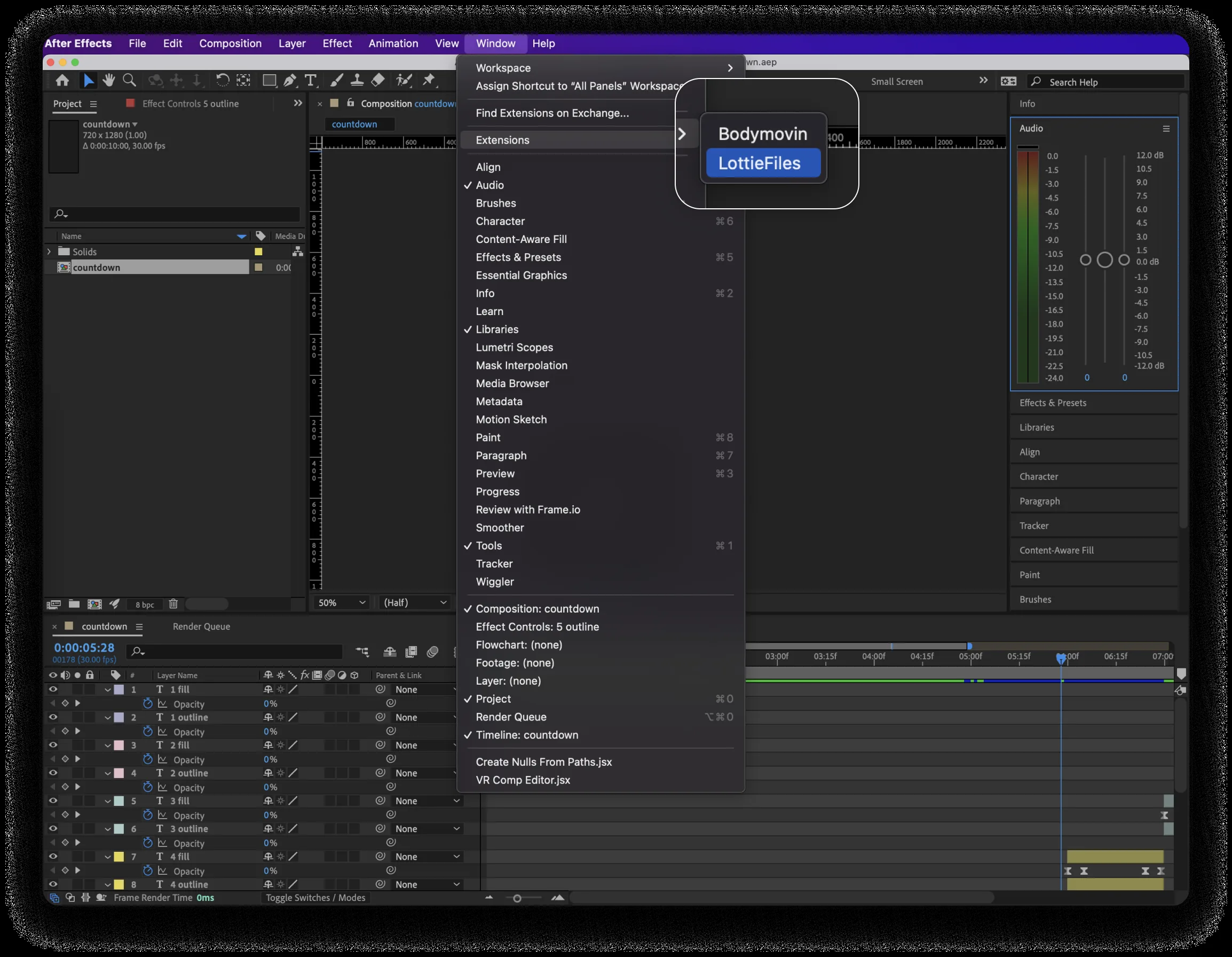
1After launching the Plugin, click Extensions in the Window menu, then click LottieFiles.
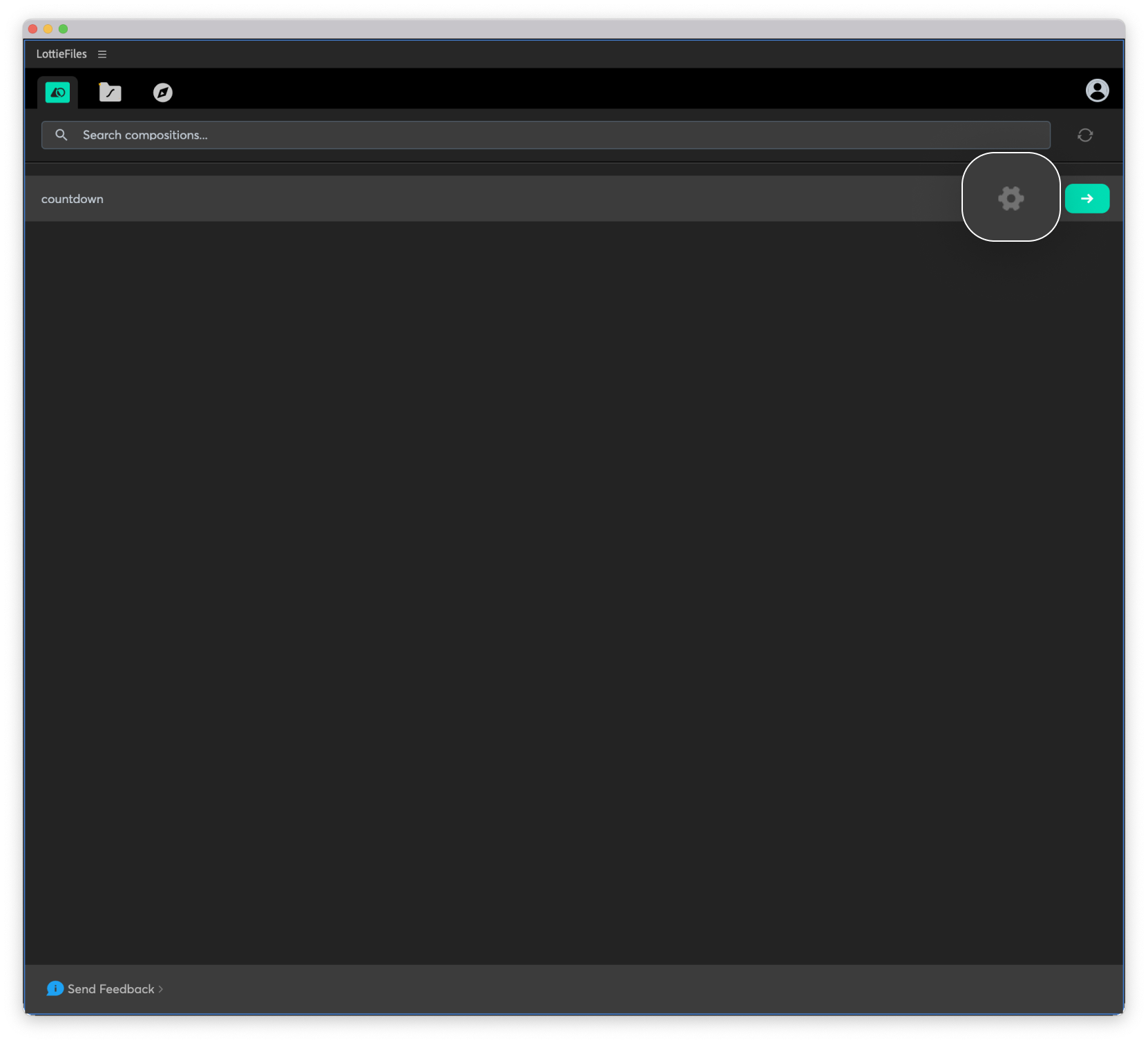
2Click Settings.
3Uncheck all settings, then save.
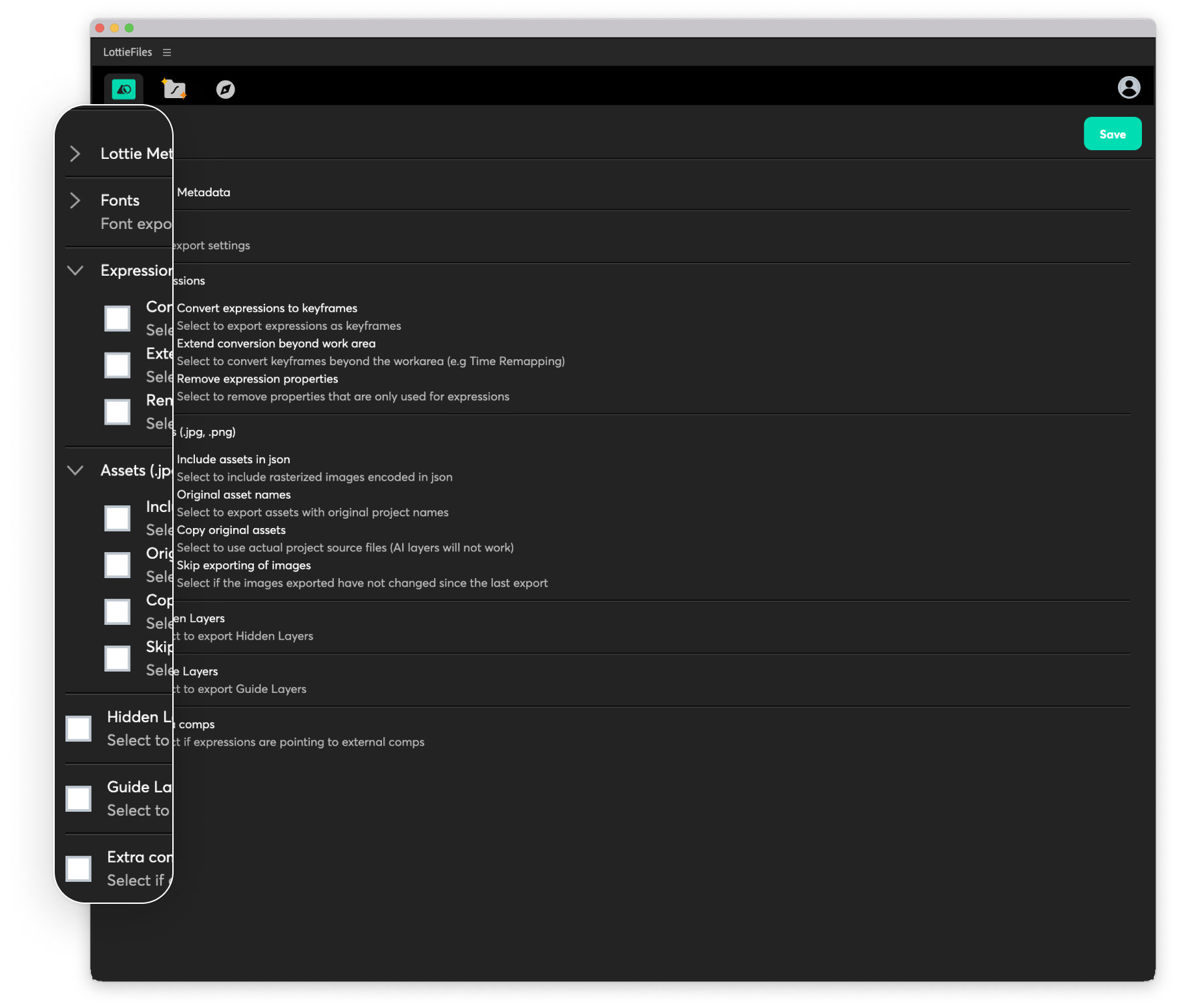
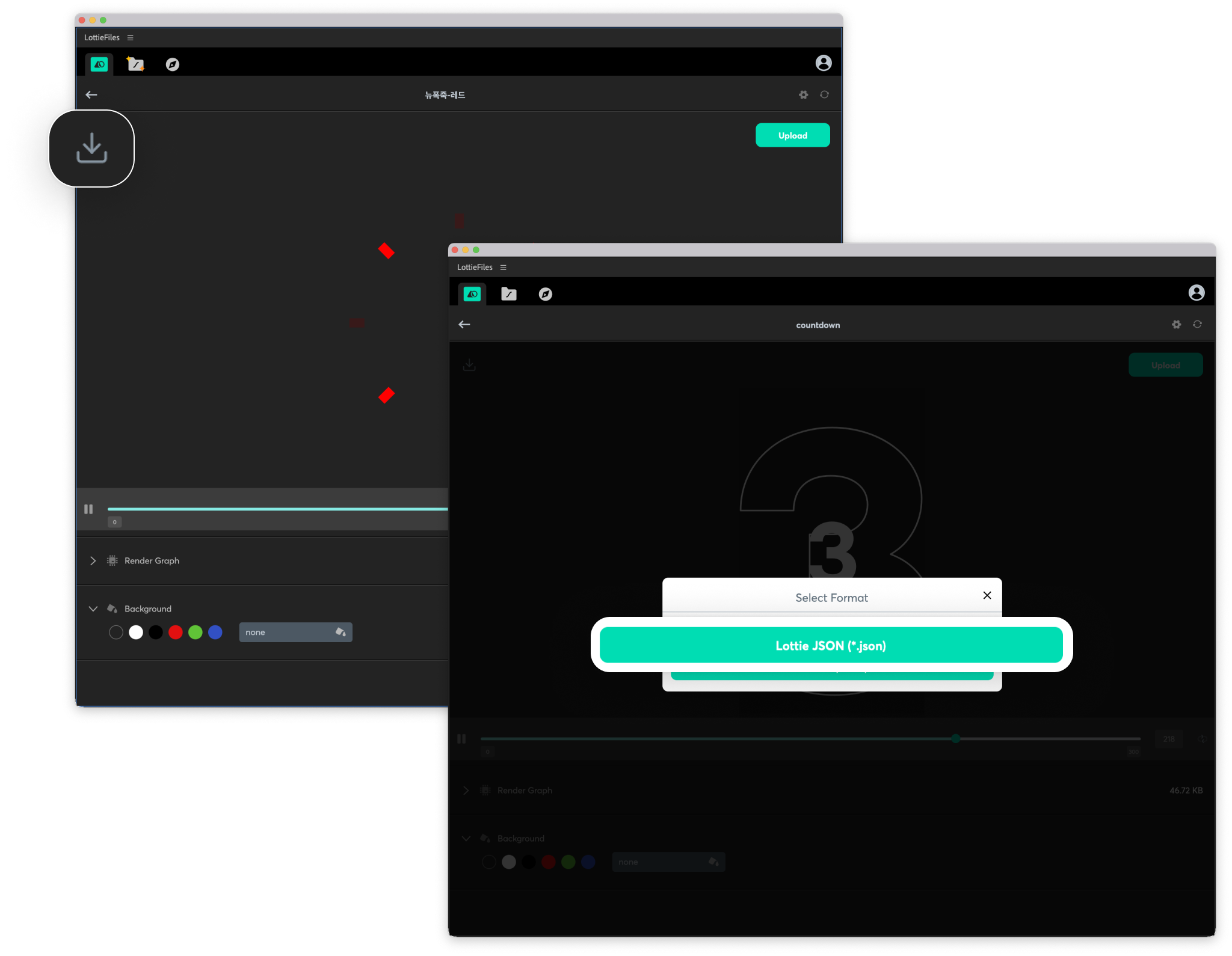
4Save to a folder of your choice and send it to your Shoplive representative.