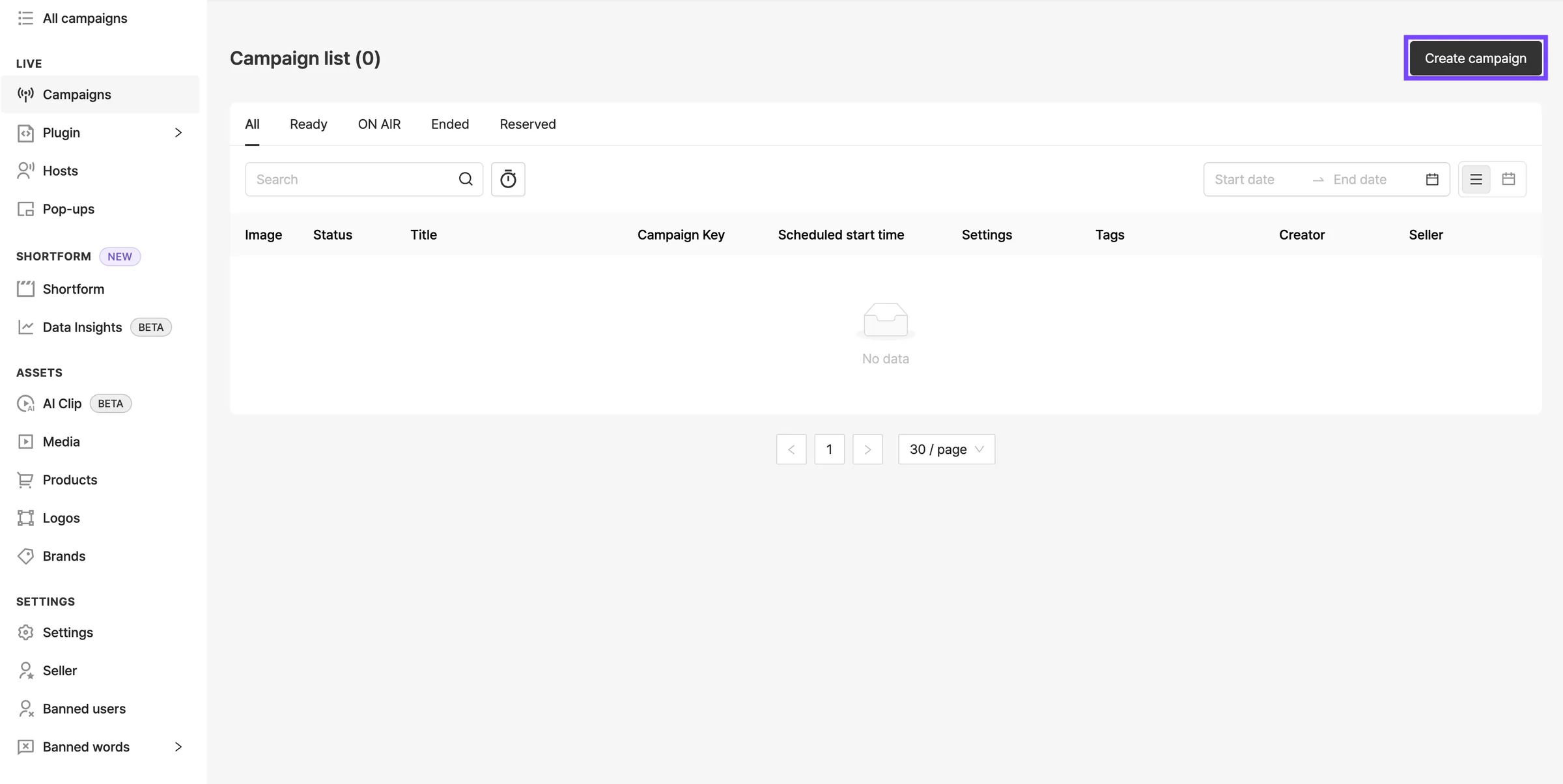
Create Sellers
Shoplive Seller
Shoplive provides a seller feature for creating and managing sub-companies (brands, stores, etc.) within your company account. Company admins can use it to create sellers and add admin accounts to each seller.
Seller admins can manage only their own seller’s campaigns.
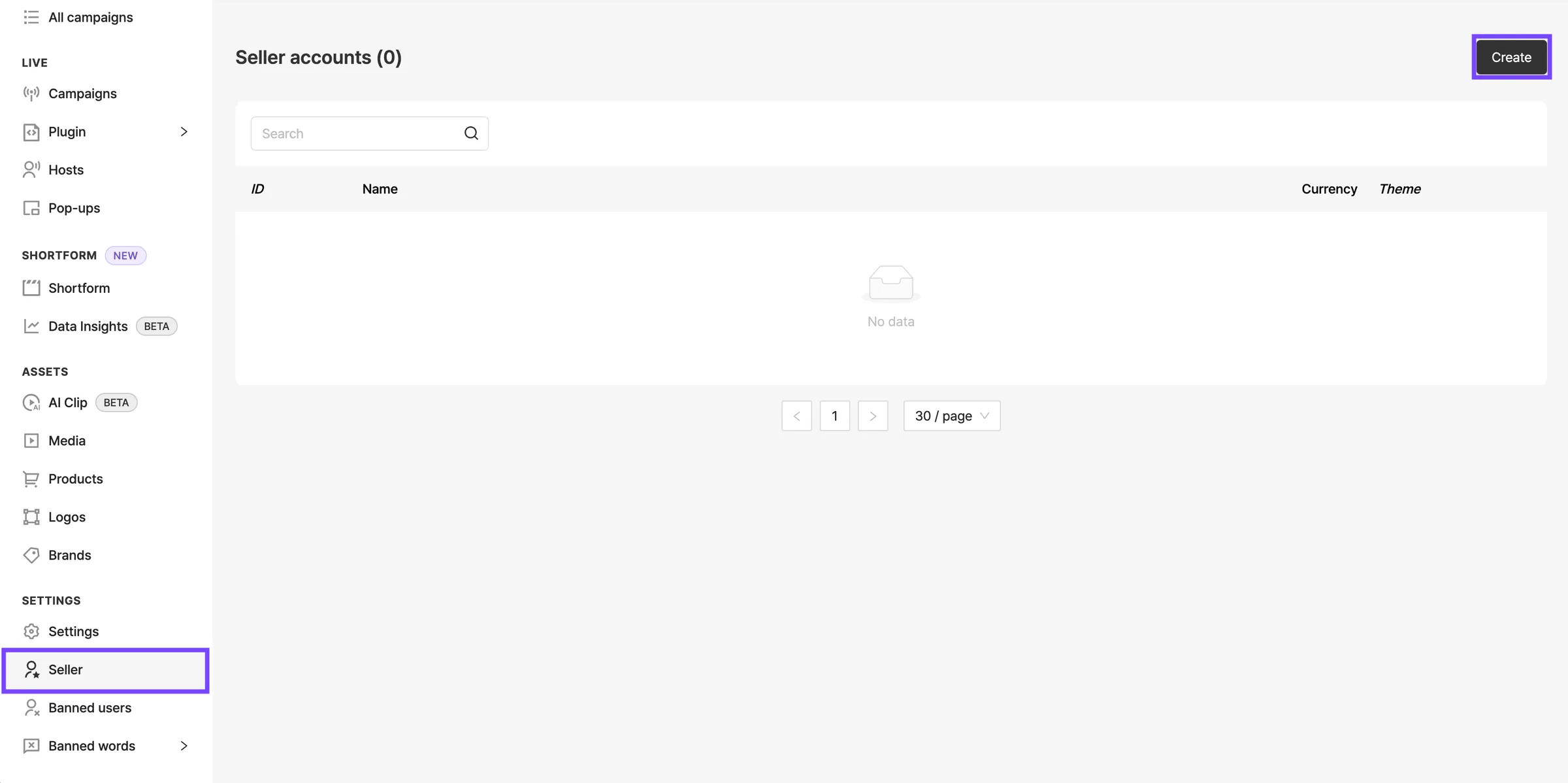
Select Sellers in the side menu, then click Create seller.
Seller settings
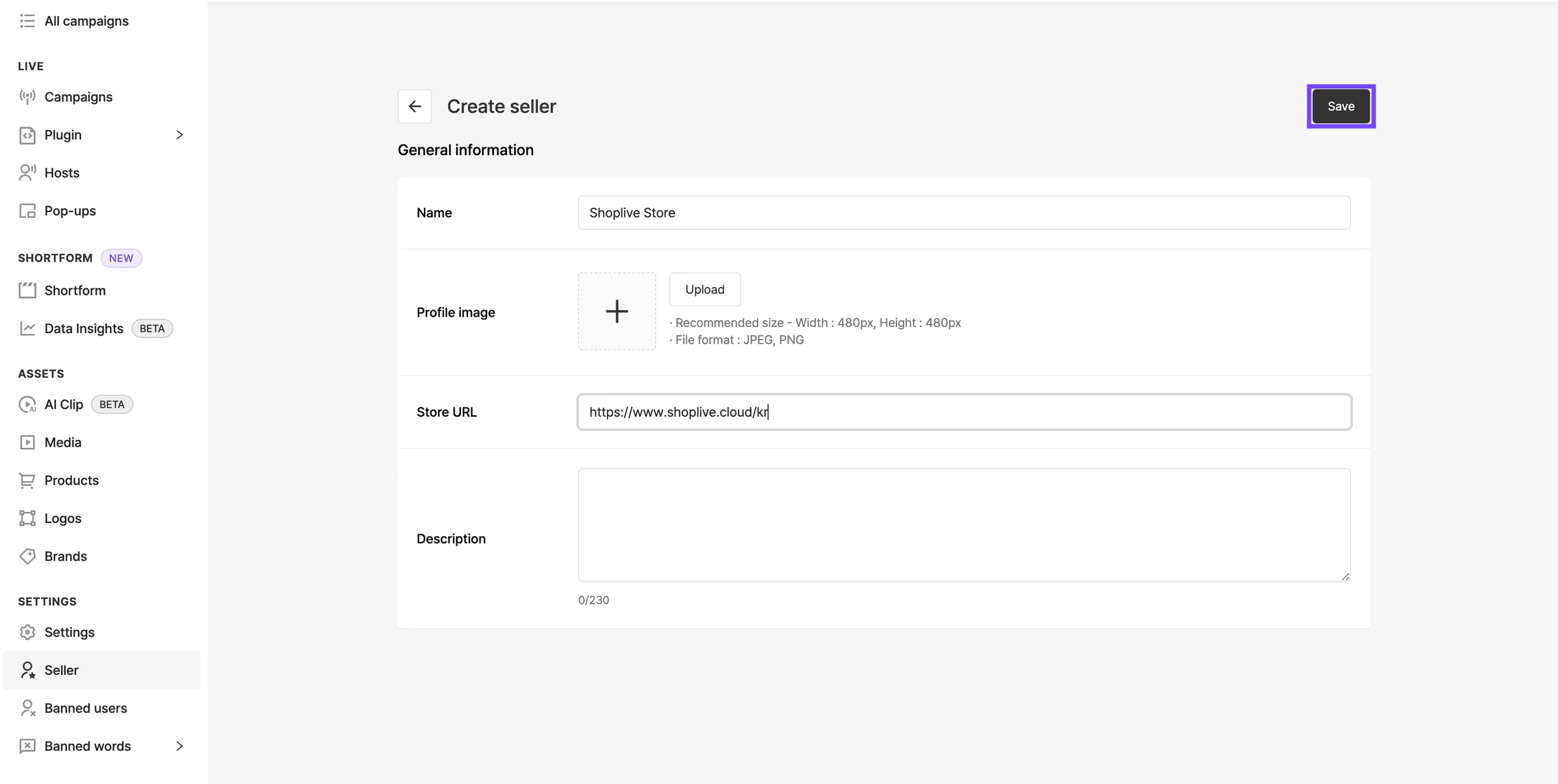
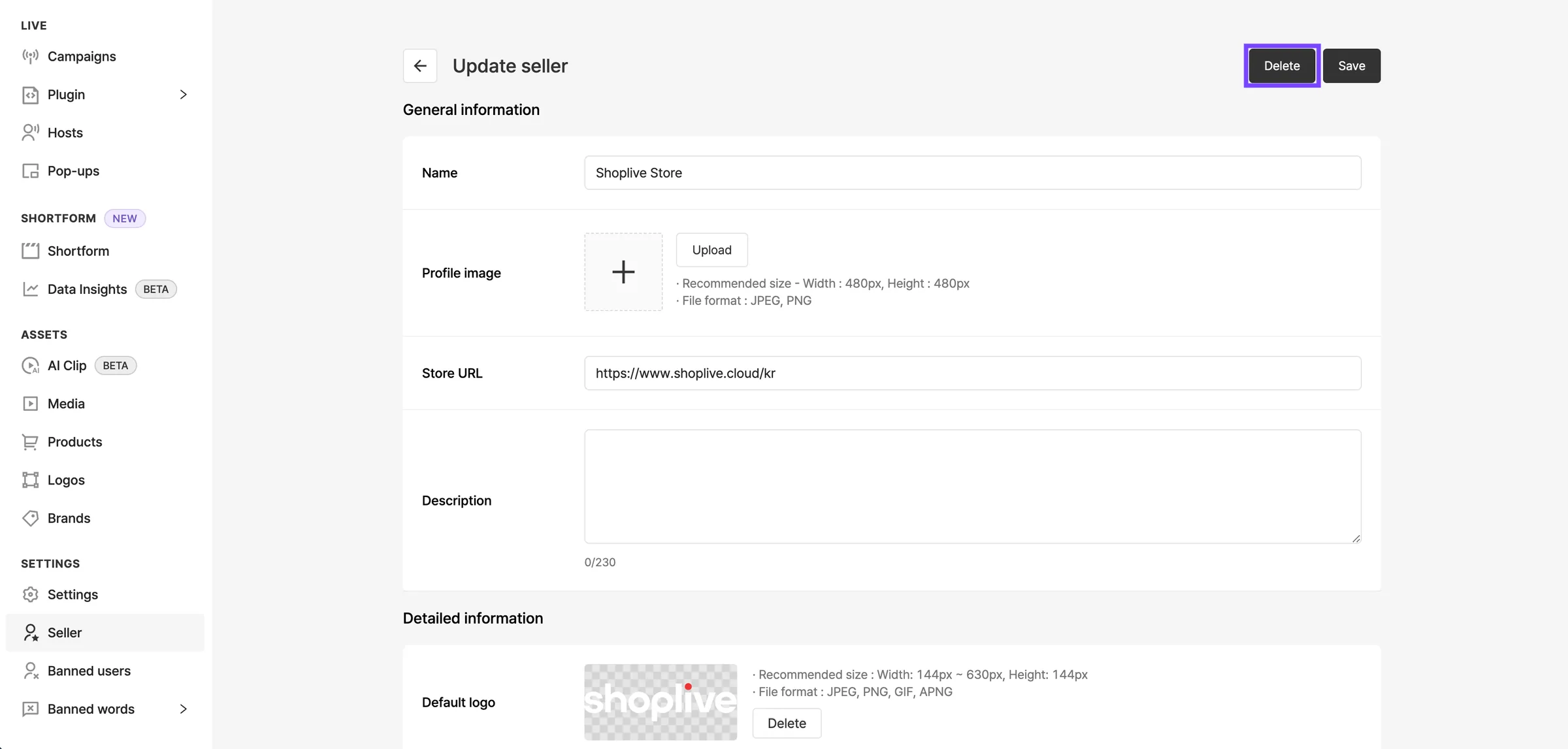
Enter the basic information, such as the seller name and store URL, then save.
Details and accounts
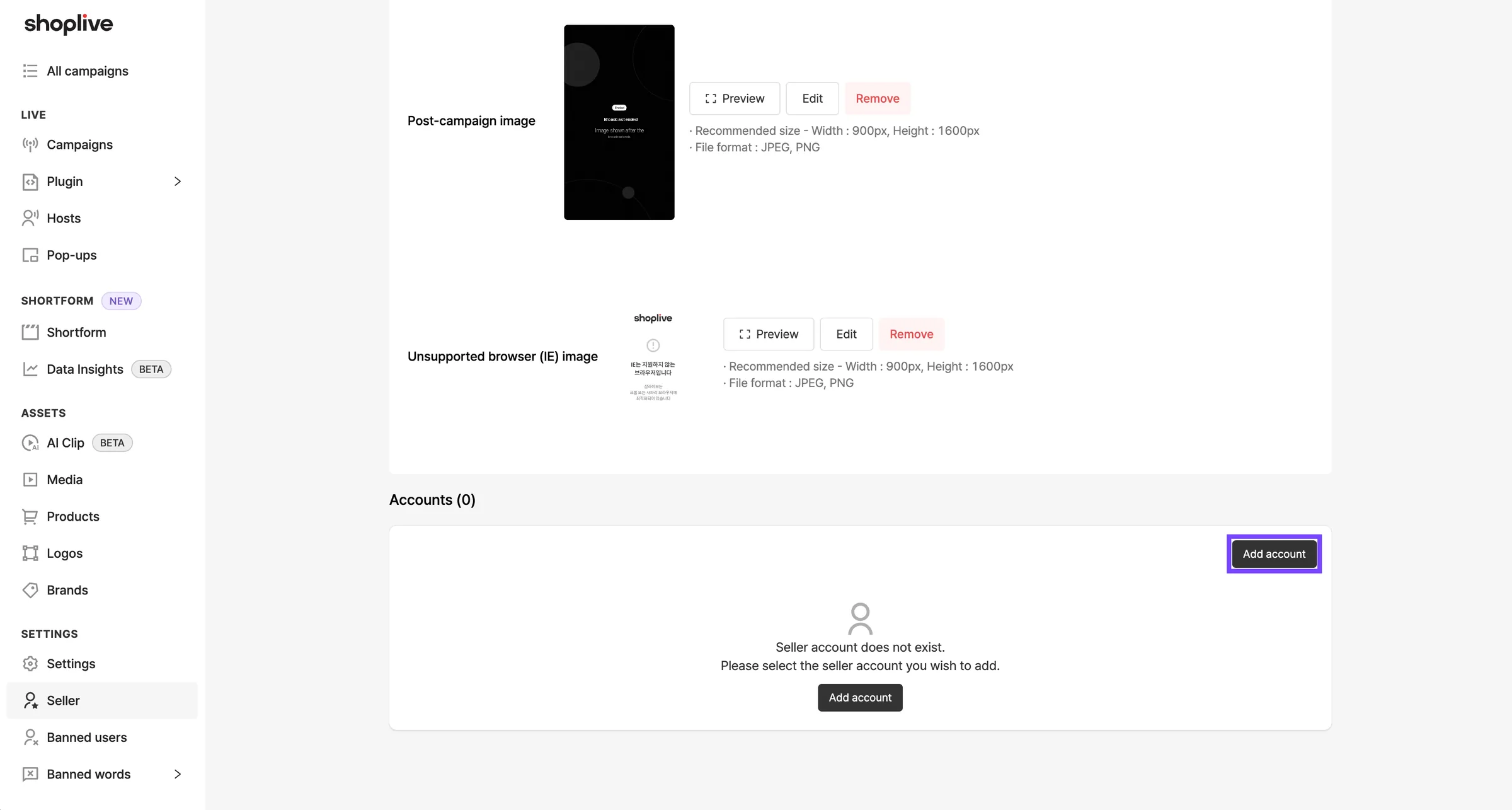
Set the seller details, then add accounts to manage the seller. When you add an account, an invitation email is sent to the registered address. Set up the account through the invitation email. When everything is set, save.
Delete a seller
To delete a seller, select it and click the Delete button.
Campaign management
Registered seller admins can manage and run campaigns. Click Add campaign to start a new one.