Add popups
Shoplive provides notice, coupon, banner, prize draw, quiz/survey, benefit, FAQ, purchase verification, Streak event, and timer popups. From the Popup management menu at the bottom of the broadcast detail page, you can add popups that have already been created.
Add popups to the campaign
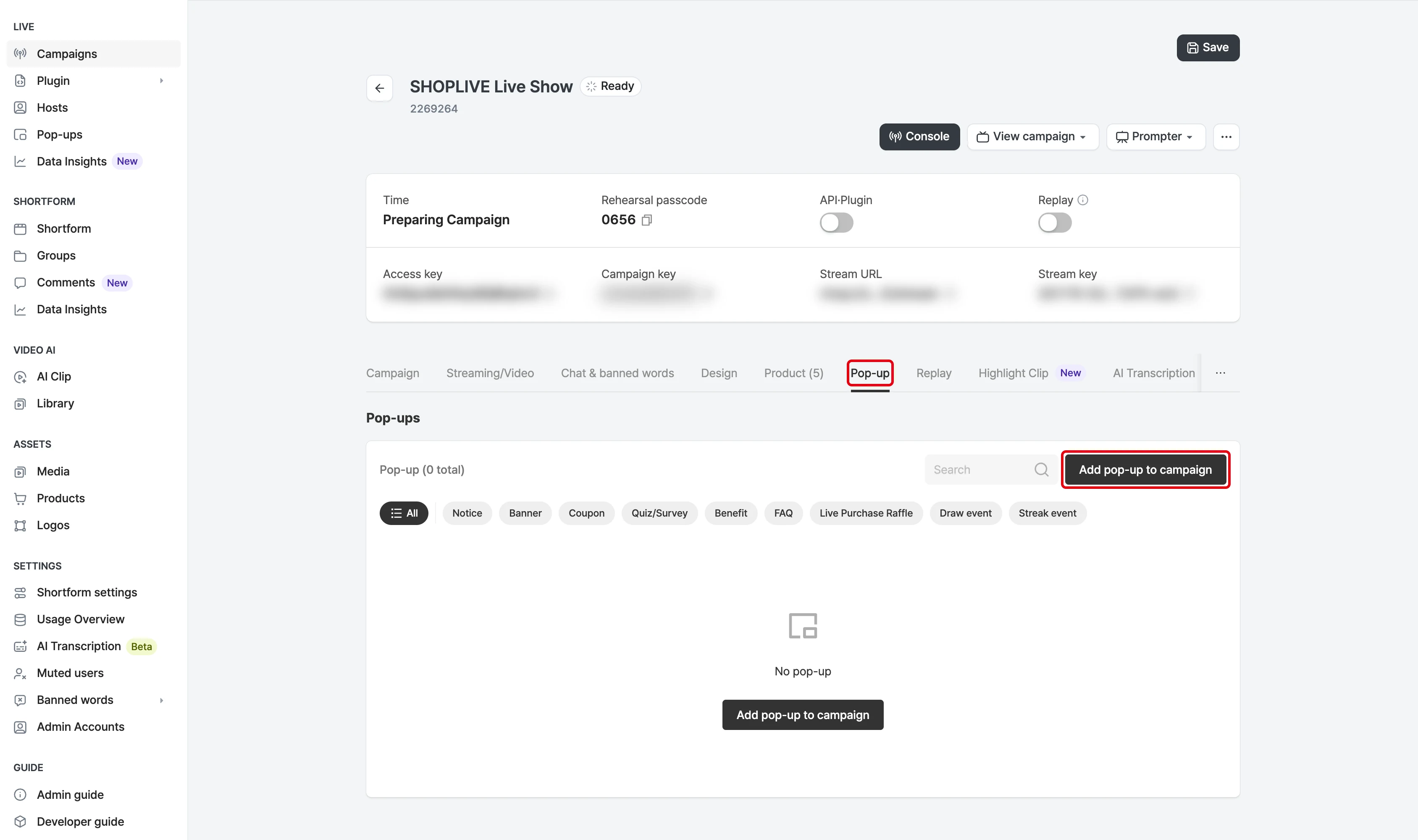
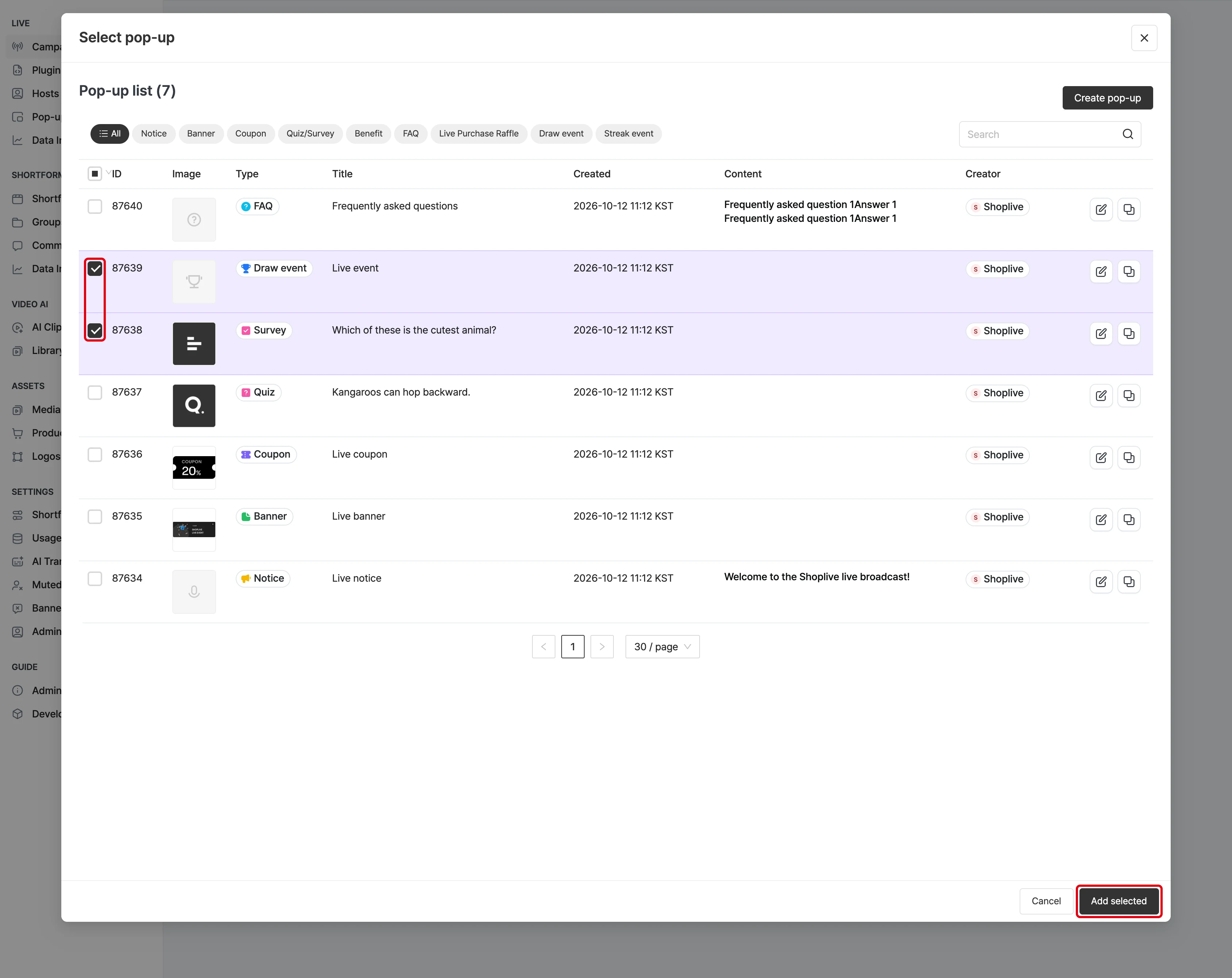
Select the Add popup button to see the popups that can be added to the campaign. Popups already in the campaign don’t appear in the list. Select the popups to add from the list, then add them to the campaign with the Add selected popups button.
The popup tab title in the campaign details shows the number of registered popups, and the popup list is sorted by activation order.
Remove popups from the campaign
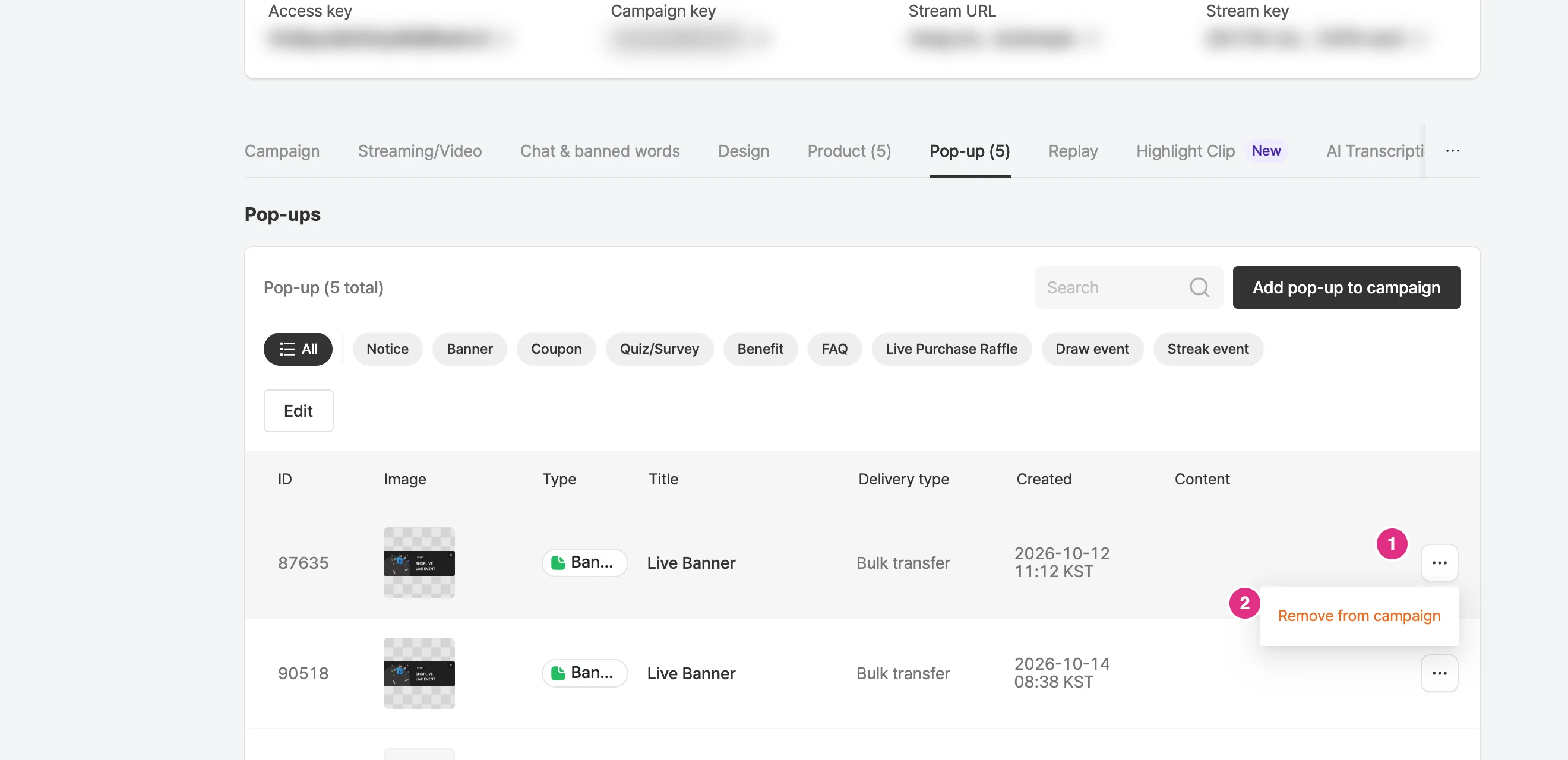
Remove popups you won’t use with the Remove button in the list.
Does removing a popup from a broadcast delete it?
Even if you remove a popup from a broadcast, it stays in your company’s full popup list, and you can add it back to a broadcast at any time.
However, popups registered to a broadcast can’t be deleted.