4 · Create Shortform Groups
Manage groups
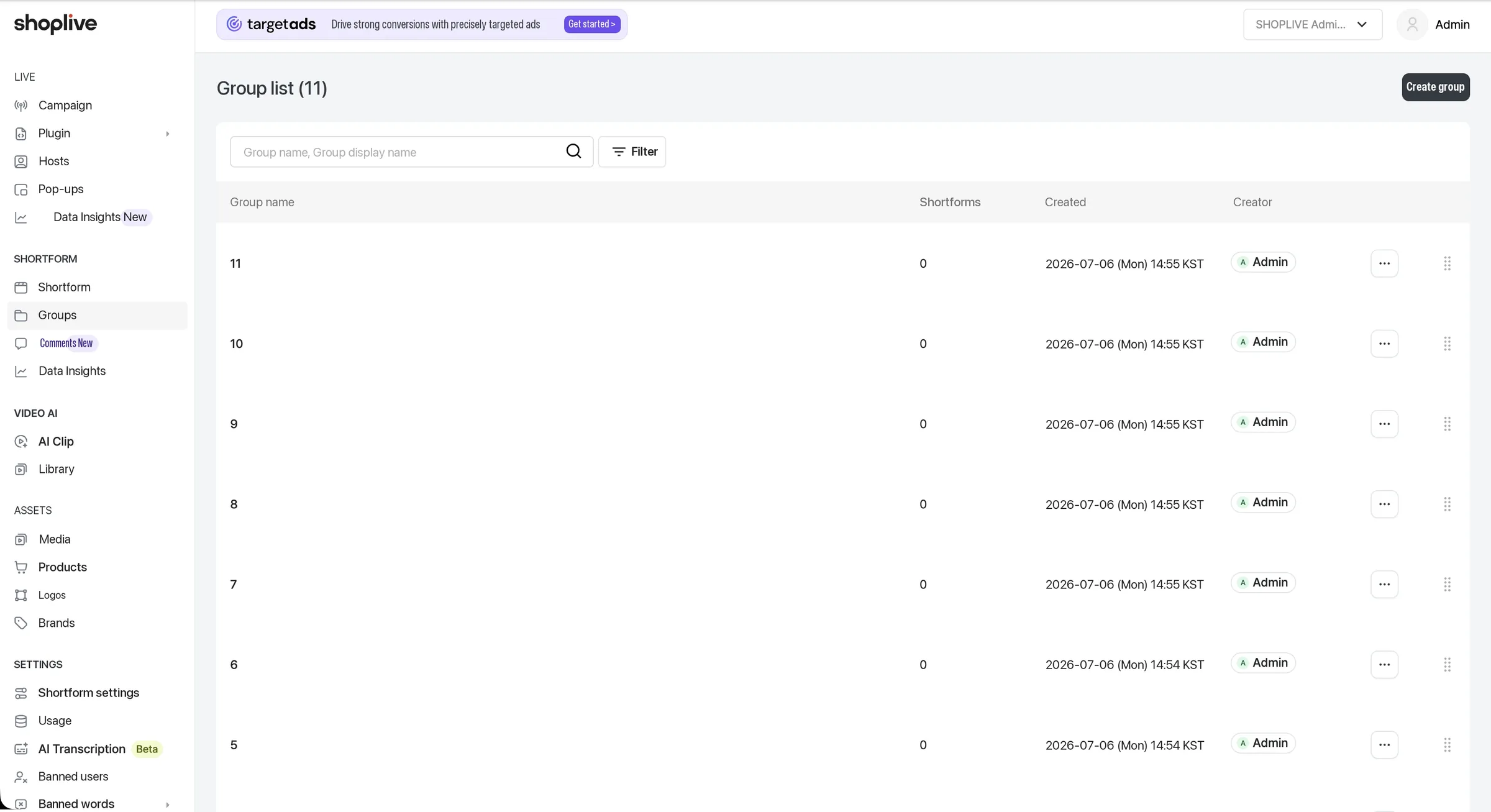
Under Groups in the left menu, you can bundle shortforms into groups and manage them separately. The group list shows each group’s name, number of shortforms, created date and creator, and you can drag to change the group display order. Use the Create group button to make a new group.
To add an individual shortform to a group, select the group in the Shortform groups field on the shortform create/edit screen. (See "Shortform groups" above)
Use the group feature
Group and manage shortforms in the Shortform groups menu.
About shortform groups
What is a shortform group?
- A unit for bundling and managing individual shortforms.
How many groups can one shortform belong to?
- One shortform can belong to up to 10 groups.
How can I use shortform groups?
- Categorize and manage individual shortforms in the Admin.
- Build shortform collections by group. (See the shortform collection setup guide)
Create a shortform group
You can create shortform groups.
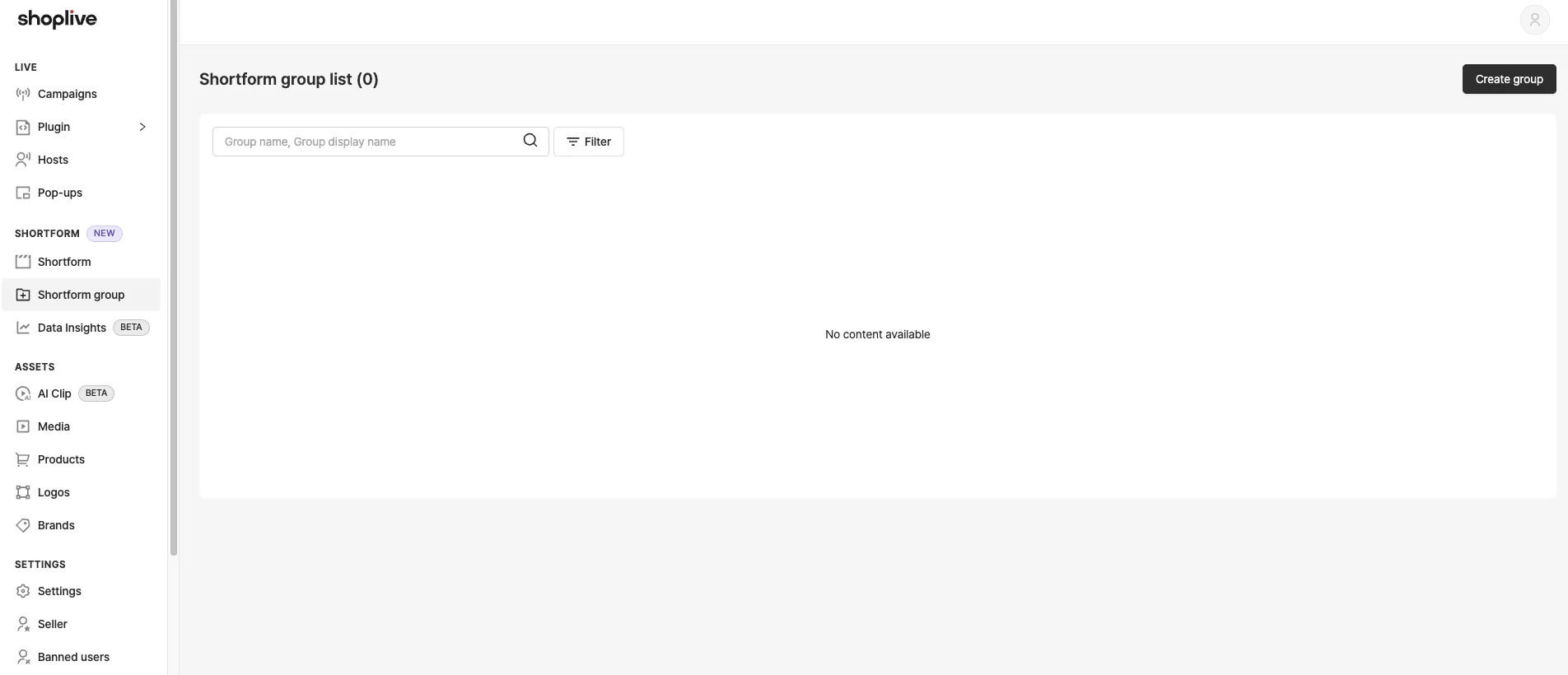
1Click the Create group button.
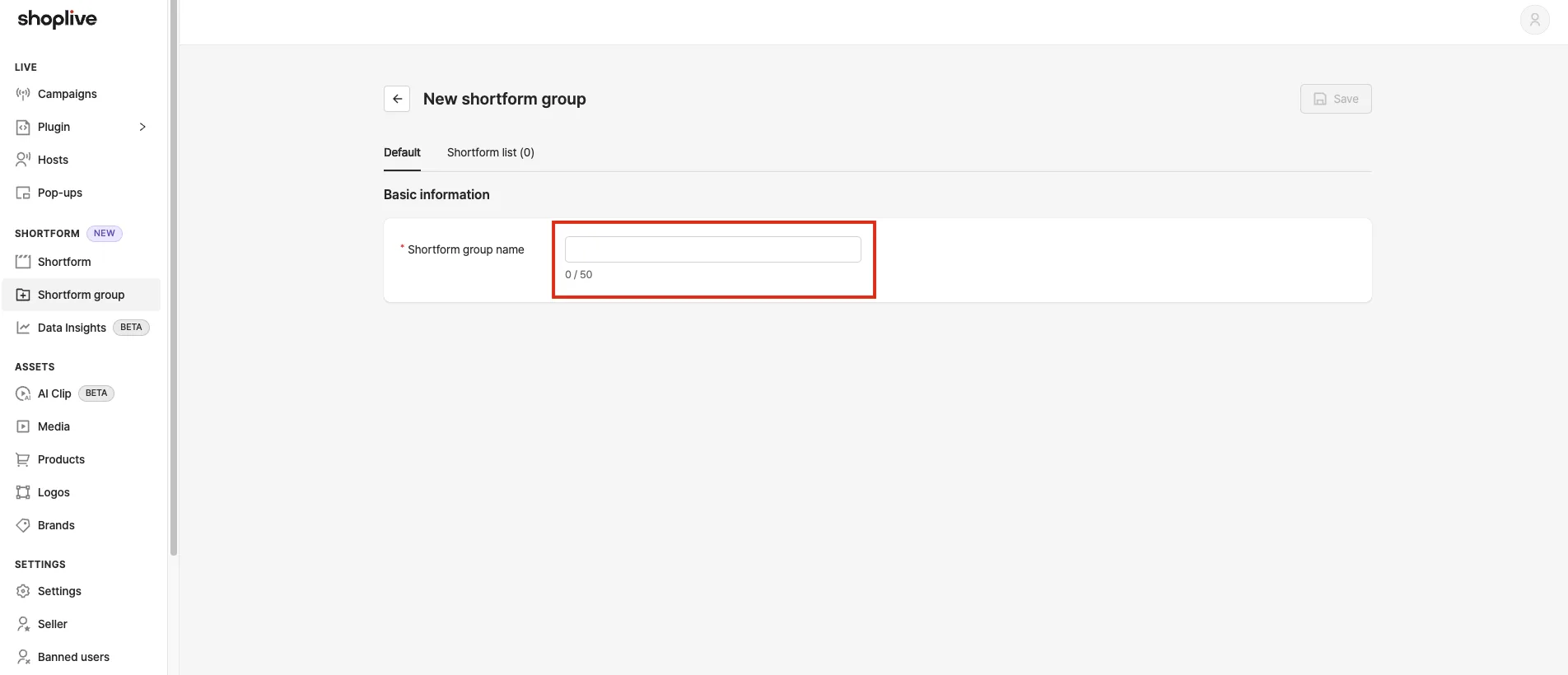
2Enter the shortform group name.
The group name can be up to 50 characters.
3Add shortforms to the shortform group.
In the window for adding shortforms to a group, you can select up to 10 at a time.
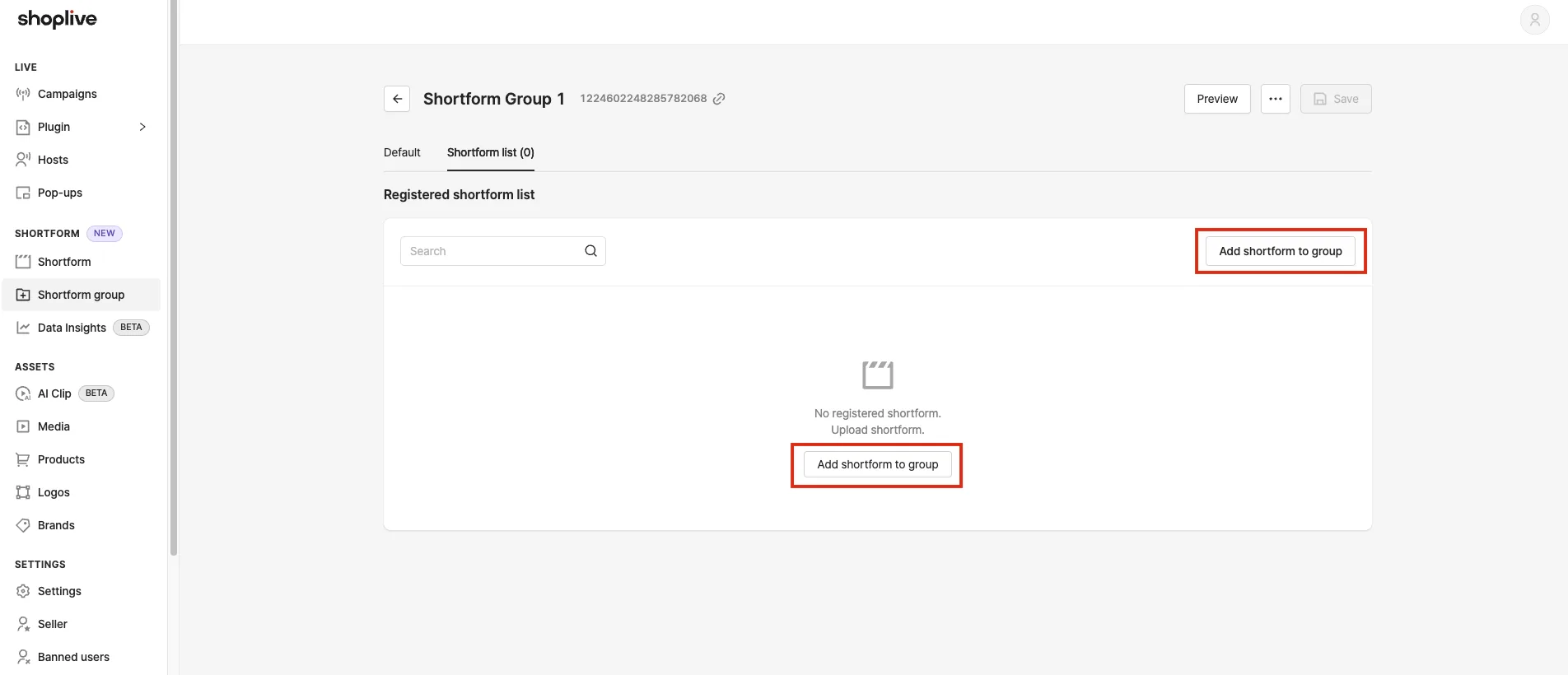
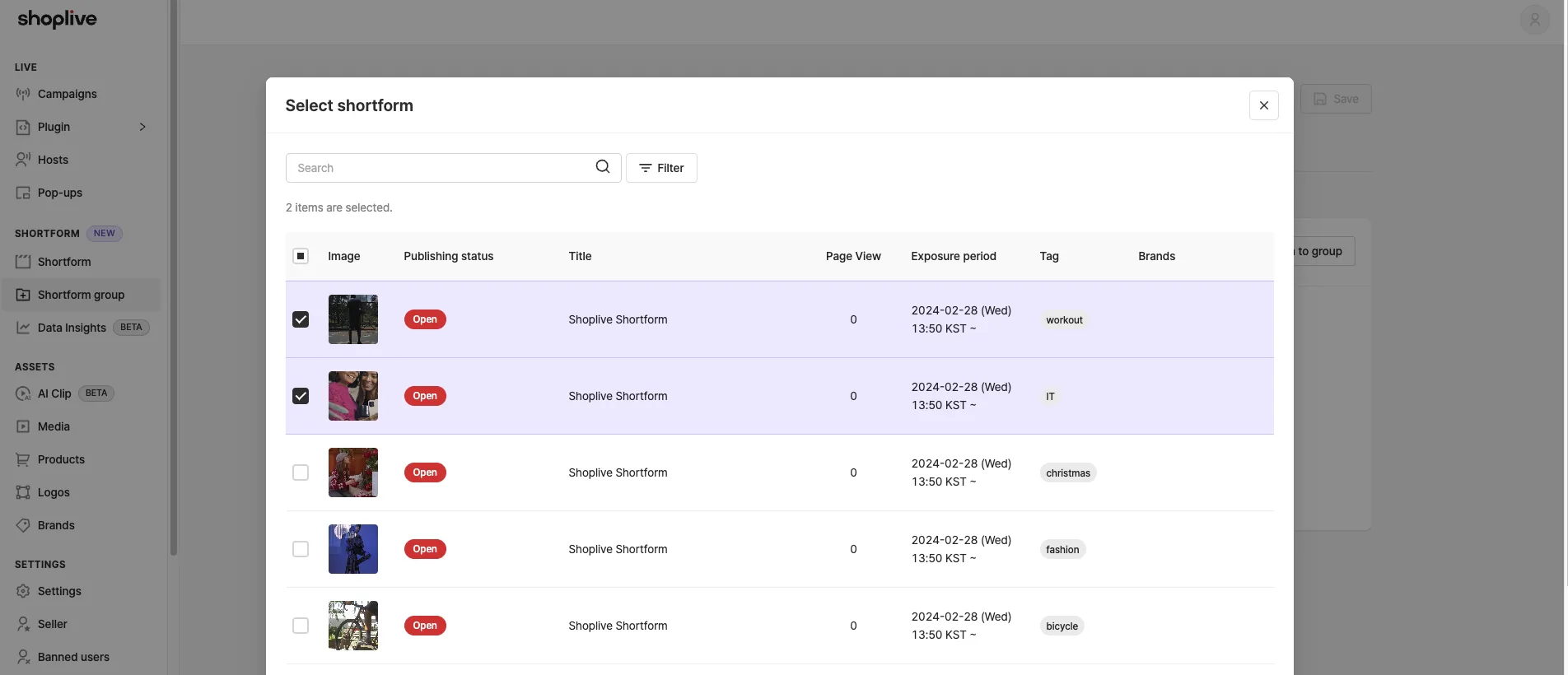
Manage shortform groups
- Groups are managed as shown/hidden. A group with display turned ON can’t be deleted.
- Besides the group name, you can enter a display name, image and identifier for a group, and copy the group ID.
- You can filter and search the group list, and drag to reorder.
- The group detail screen shows a collection preview and a feed preview.
Use shortform groups
You can build and use collections based on shortform groups.
- Collection setup guide
Build collections by shortform group
1Open the shortform group detail page.
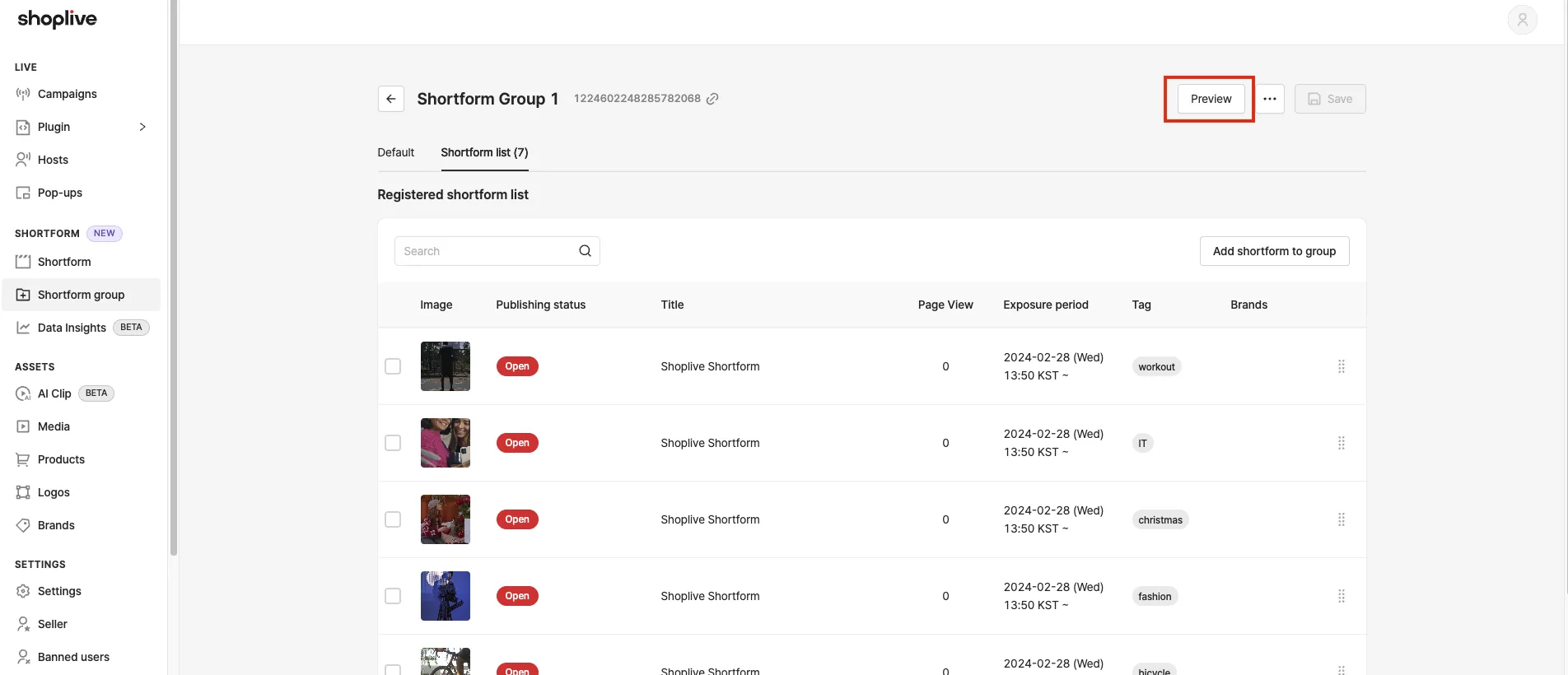
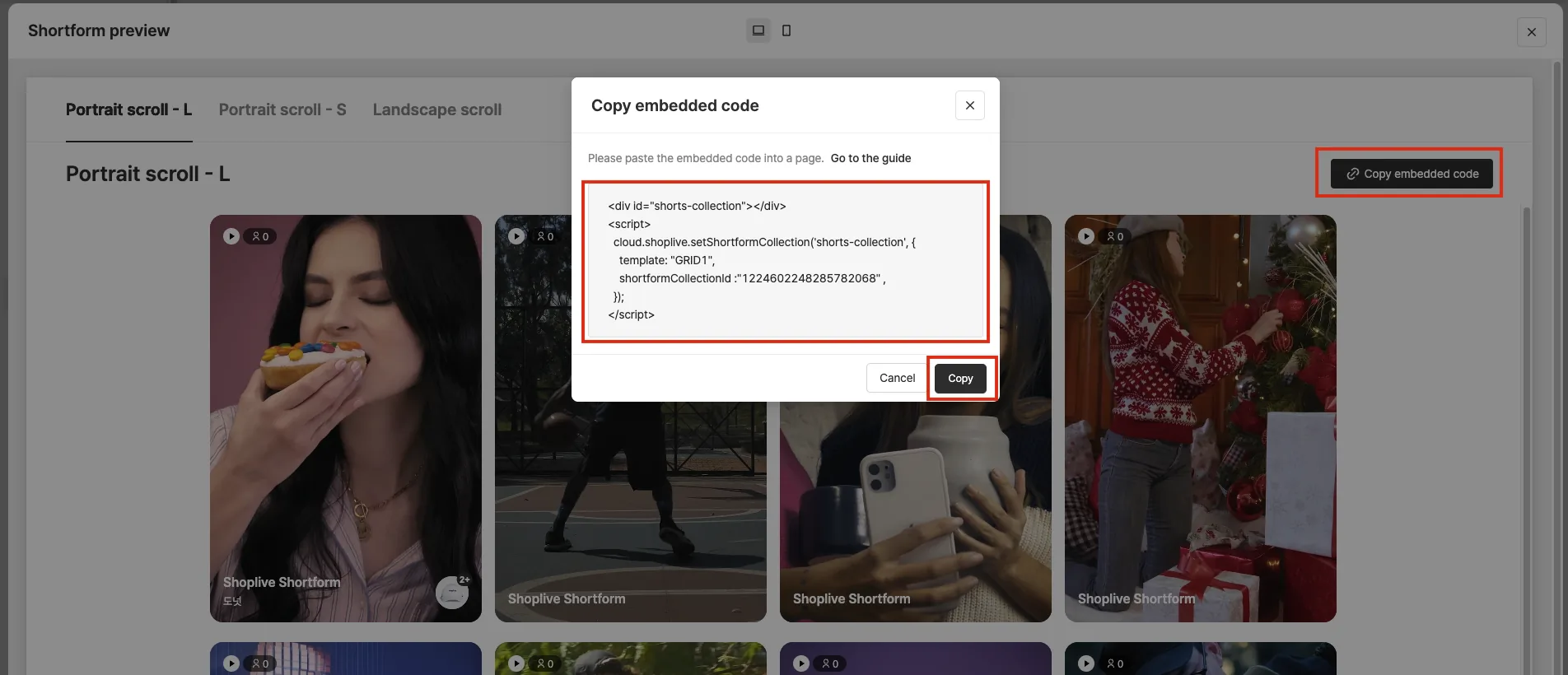
2In the preview window, copy the embed code of the collection you want.
Choose the collection layout from vertical scroll-L, vertical scroll-S and horizontal scroll.