Guide
3 · Create Product Banners
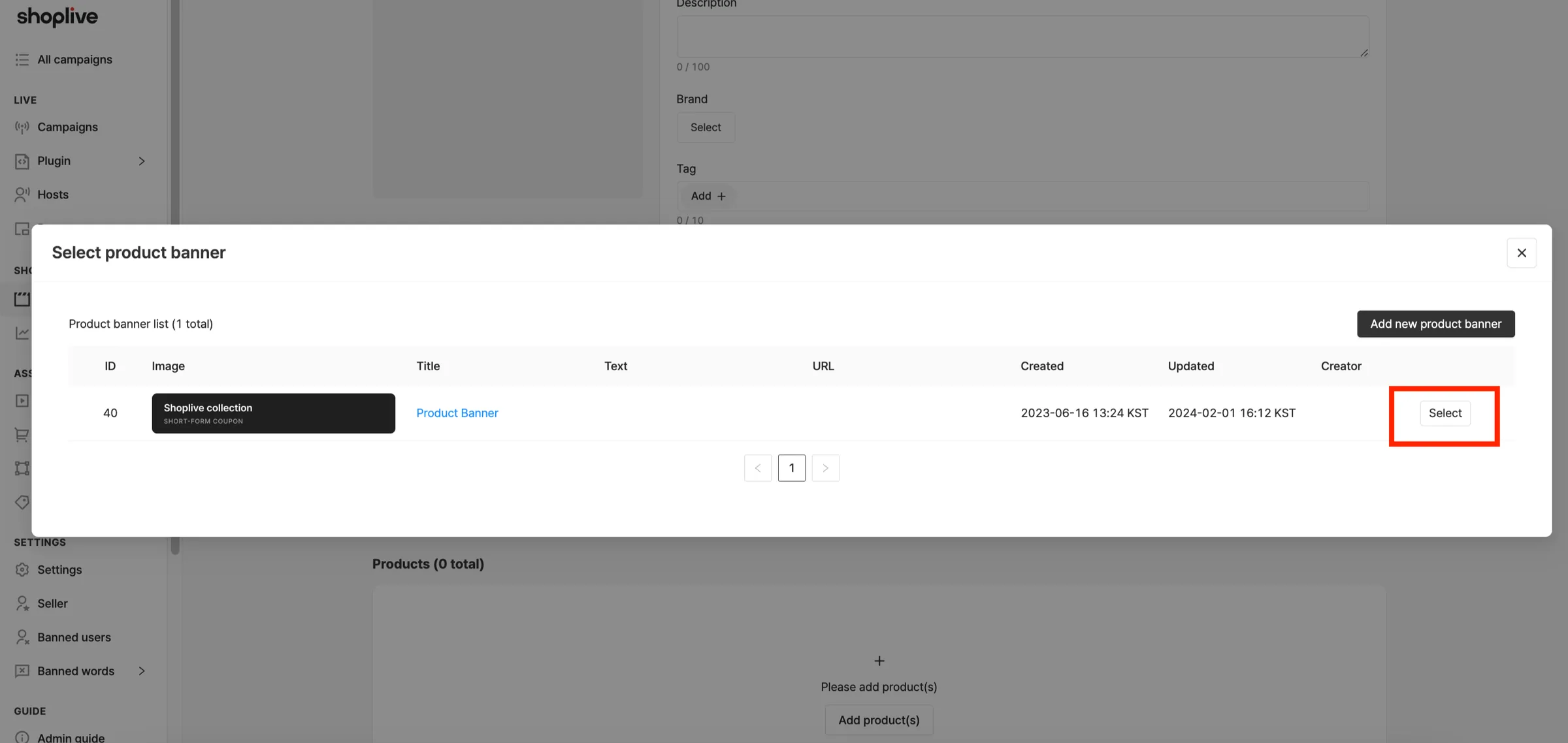
You can set a banner at the top of the shortform product list.
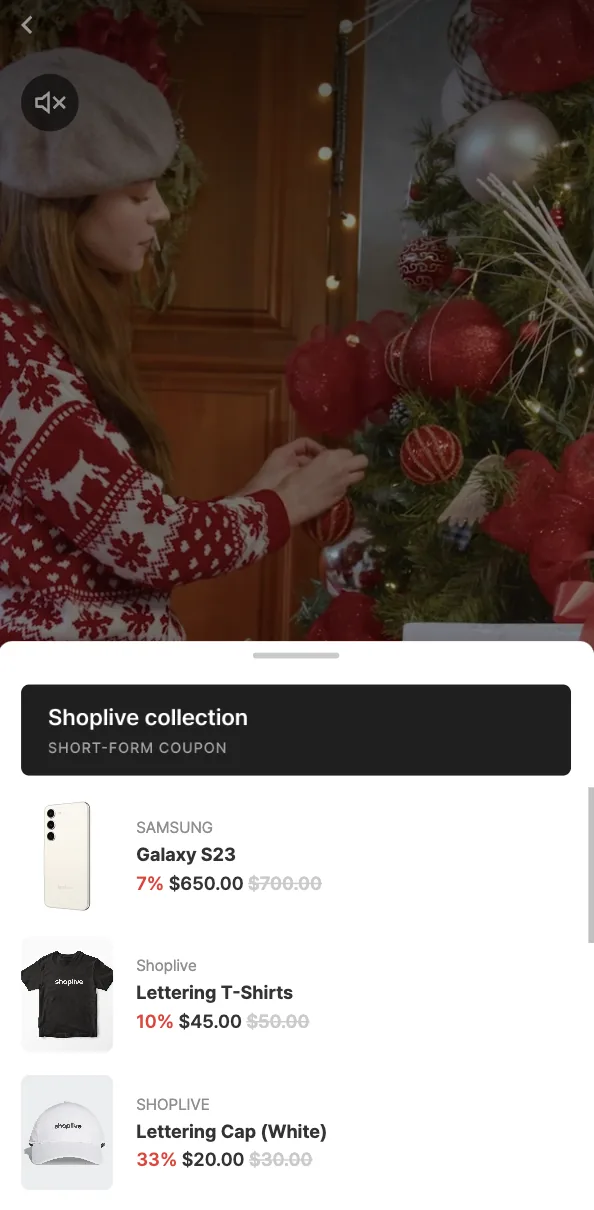
1Click the Add banner button.
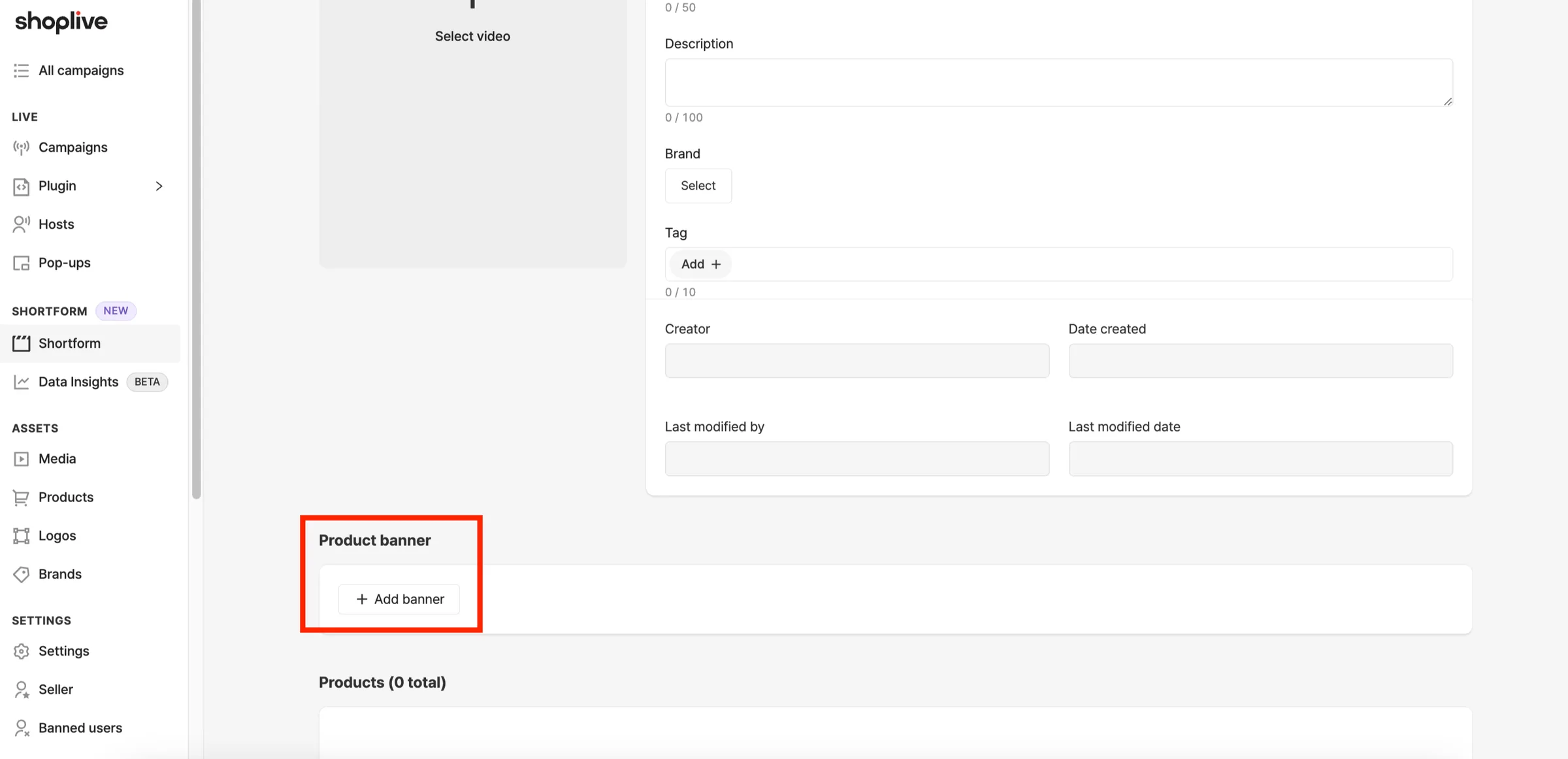
2Click the Add new product banner button.
3Set up the banner, then click the Save button to add it.
- Image: the uploaded image is shown in the product banner area.
- Text: the text you enter is shown in the product banner area.
| Image | Recommended size | Supported image formats | Size limit | Recommended file size |
|---|---|---|---|---|
| Banner above the product list |
| JPEG, PNG, Animated PNG, GIF | Up to 10MB | Under 2MB |
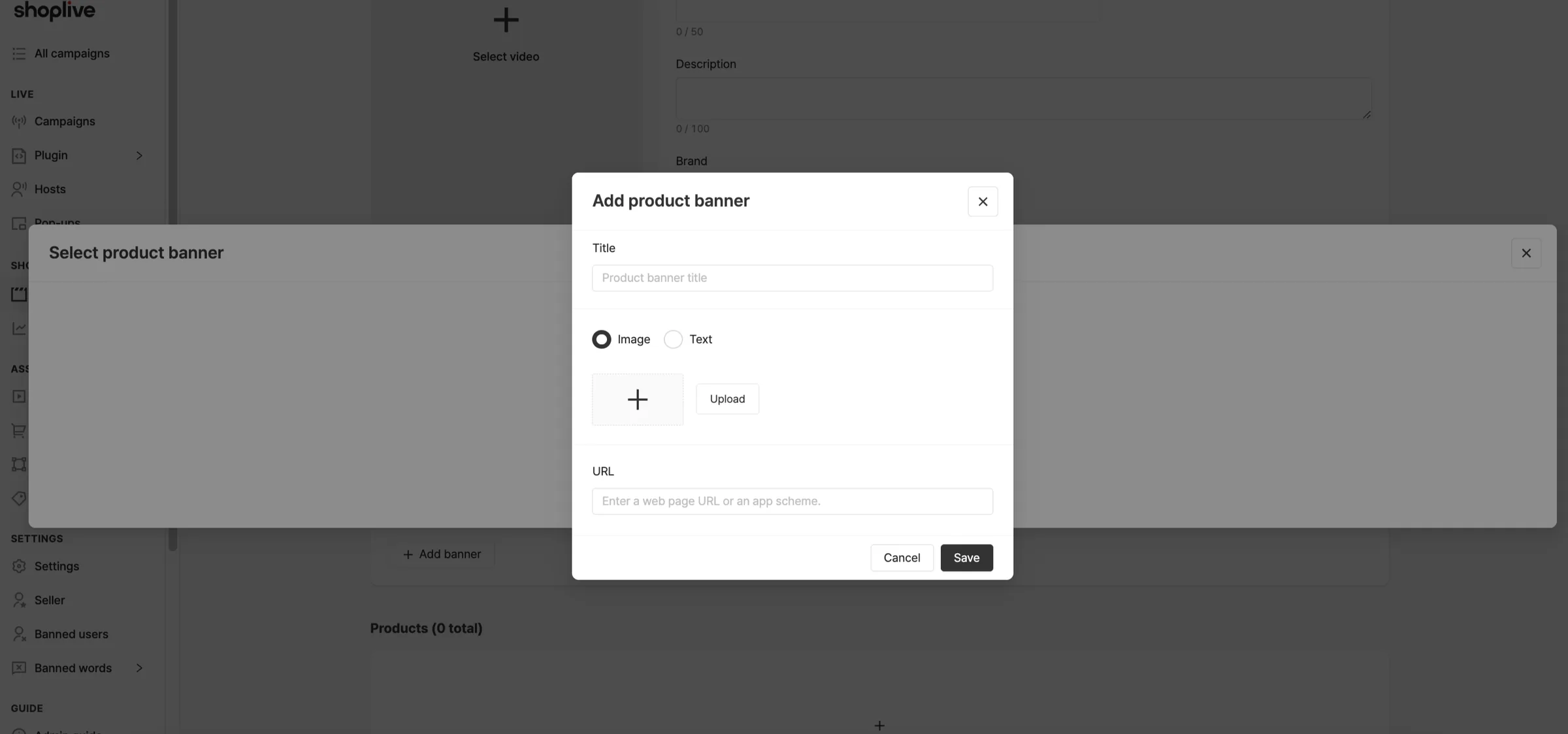
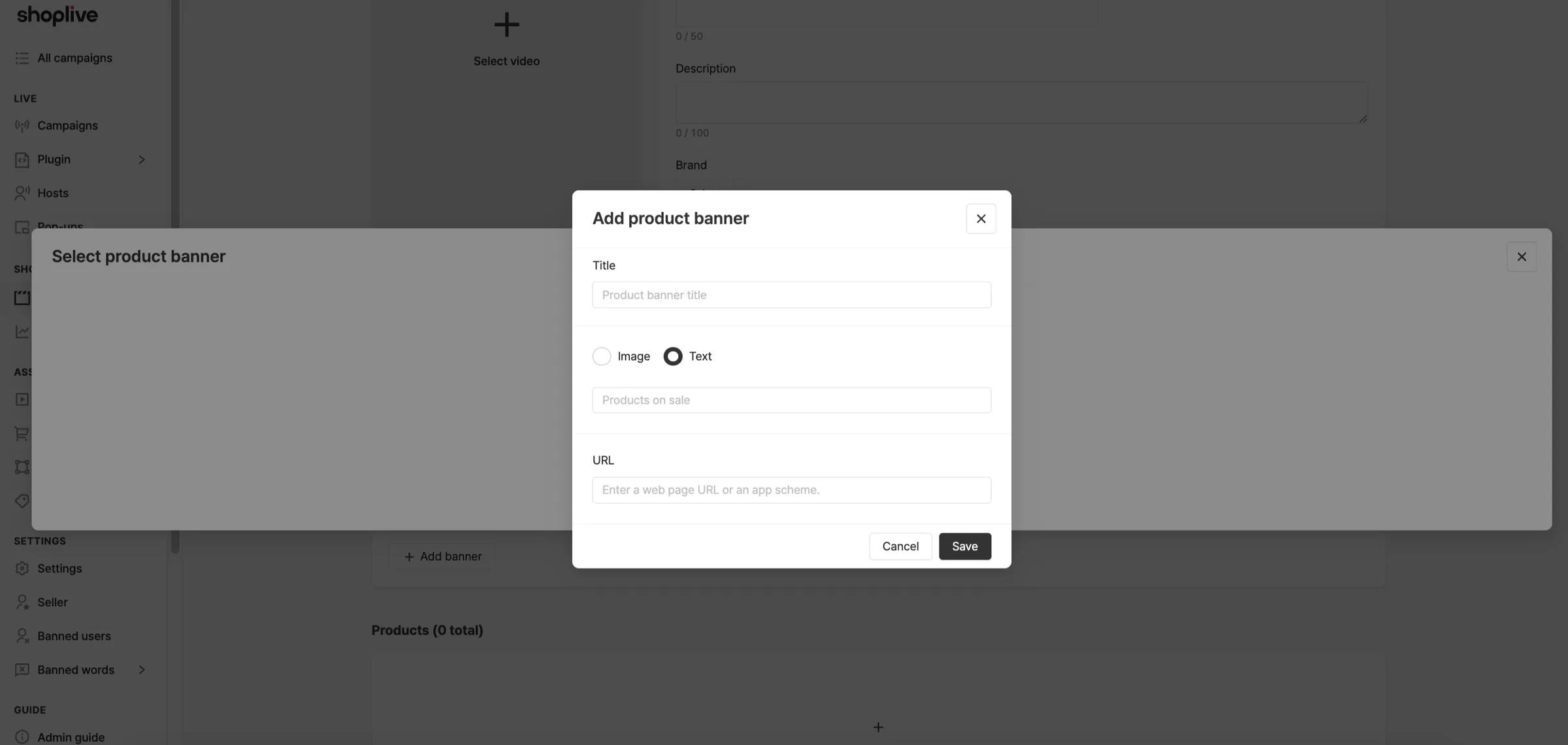
(Optional) Enter the URL of the page to open when the banner is clicked.
Where is the title shown?
The banner title is for reference only and isn’t shown anywhere.
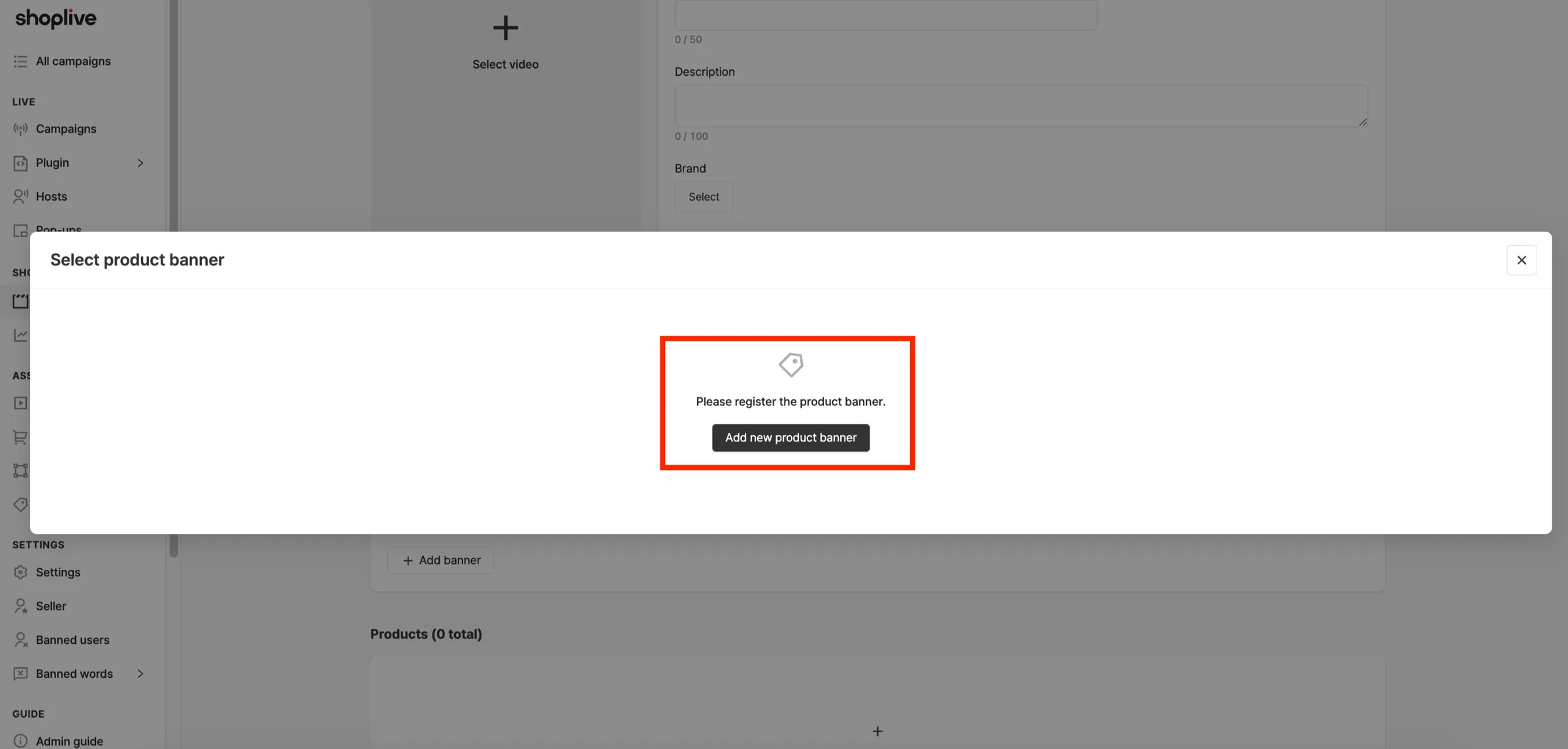
4Select the added banner.
The banner selection window shows the total number of banners (N total), 10 per page. You can edit or delete registered banners.