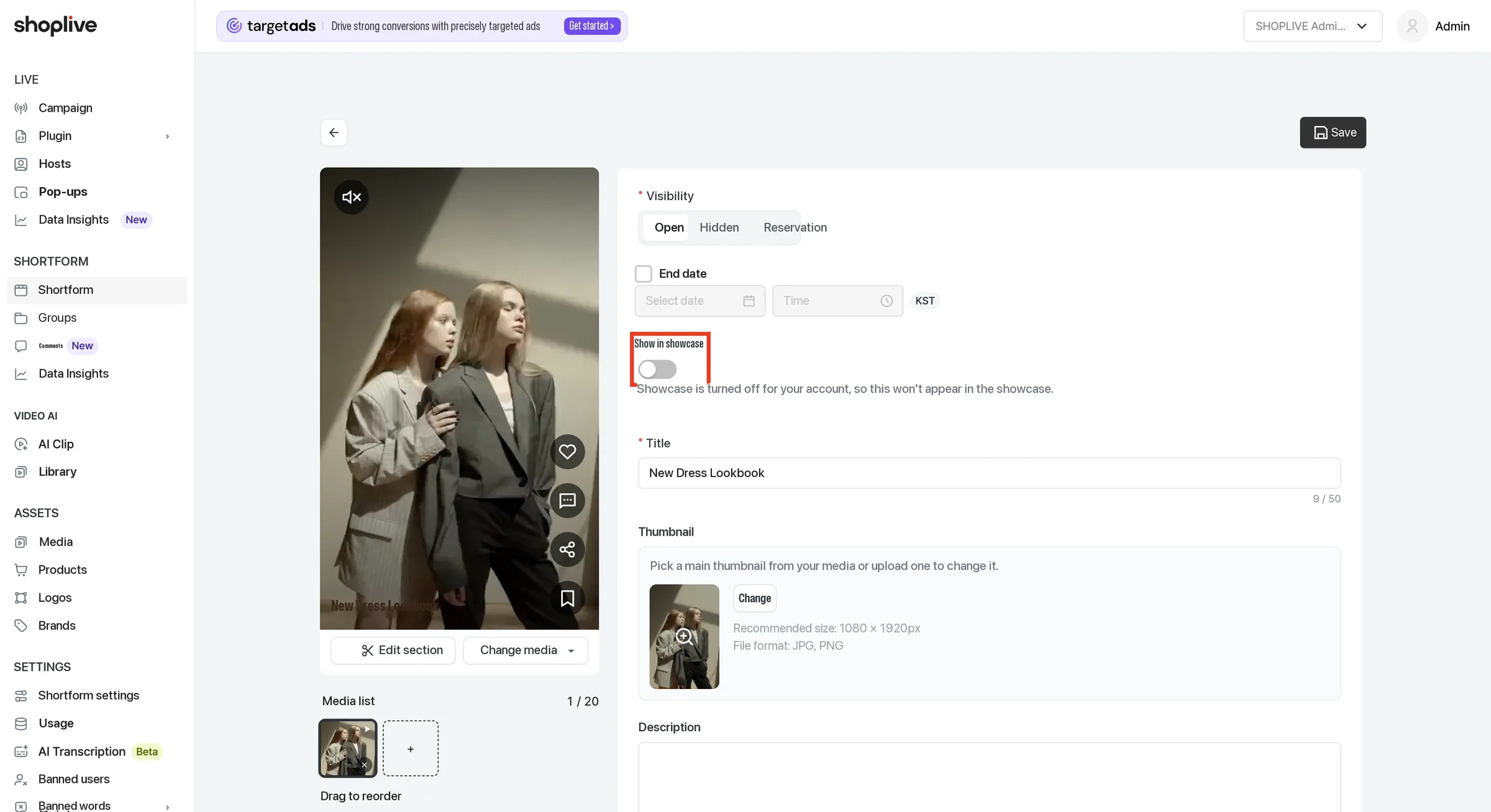
Shortform Settings
Set visibility
You can make a shortform public, private, or schedule it to go public at a specific date and time.
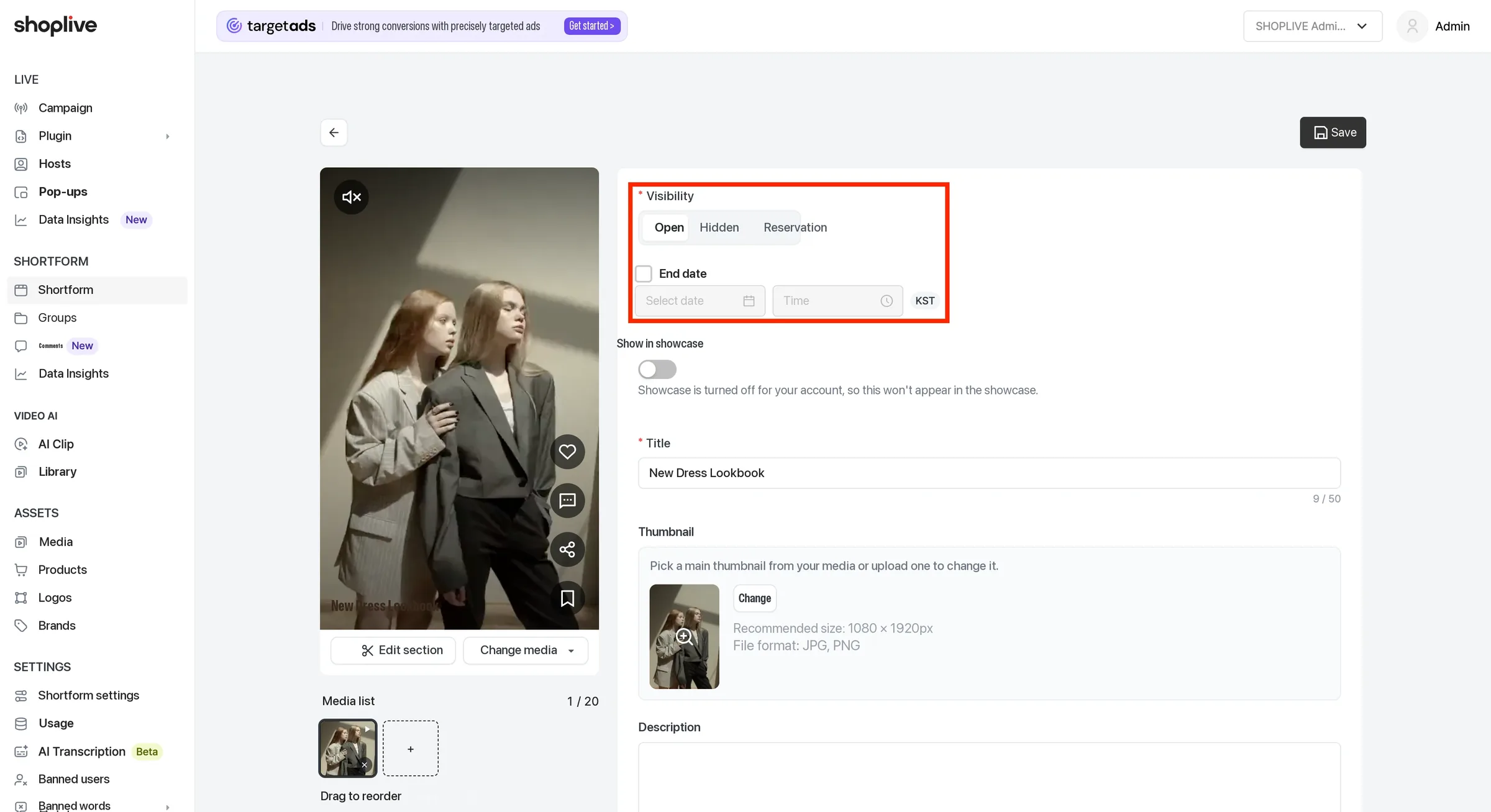
Set a shortform to Public to show it on your service pages. Click the End date checkbox to enter the date and time to end public visibility.
Set a shortform to Private to hide it from your service pages.
Set a shortform to Scheduled to show it during the period you set. You can enter the date and time to start and end public visibility.
The start date can’t be in the past. A warning appears if the start and end dates are the same or the start date is later than the end date.
Show in showcase
A toggle that sets whether this shortform appears in the showcase widget integrated on your site. If your company’s showcase feature itself is off, a notice says it won’t actually appear even if you turn this toggle on.
You can turn the showcase on or off (ON/OFF) in the Admin’s Shortform settings menu.