Reference · Developer Integration Guide
Shopify Add to Cart
This guide is for developers applying the integration. You don’t need it to operate the Admin.
Add to cart: Shopify
Shortform player basics on Shopify
For companies on the Shopify platform, specifying this lets you use add to cart in the shortform player.
const config = {
  accessKey: 'CUSTOMER_ACCESS_KEY',
  platform: 'SHOPIFY', // Specify the platform if you use add to cart
};

cloud.shoplive.initShortform(config);
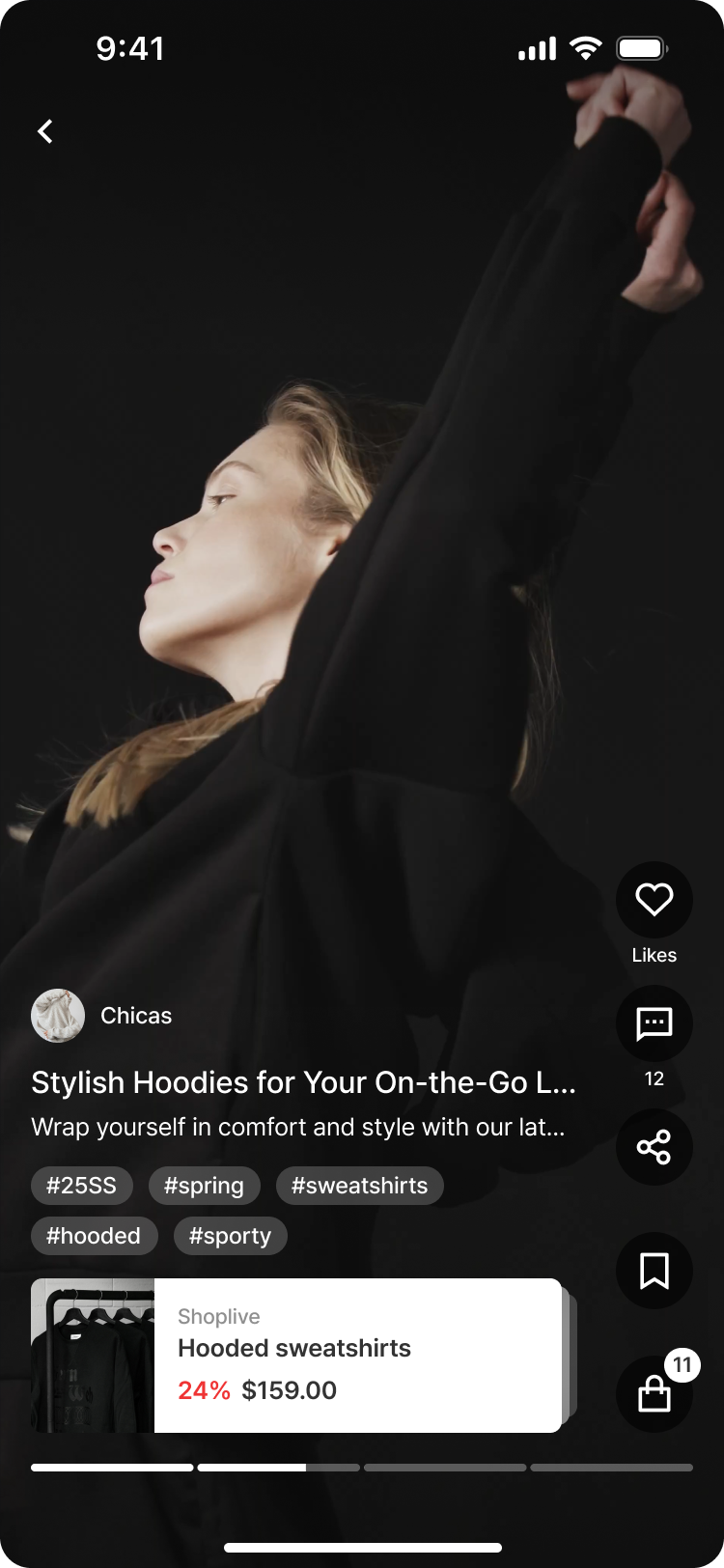
Once it’s specified, viewers can open the product sheet in the shortform player, set options and quantity, and add to cart right away.
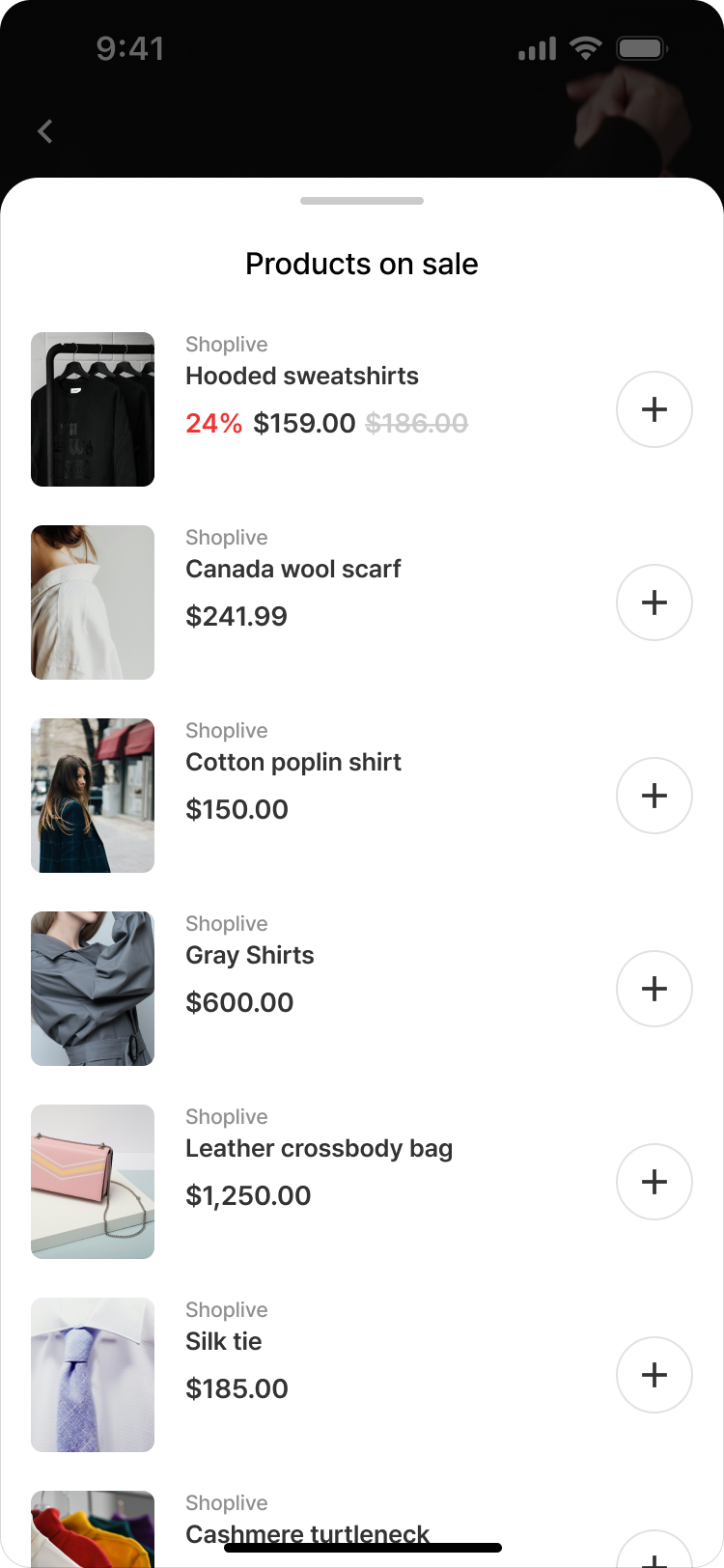 | 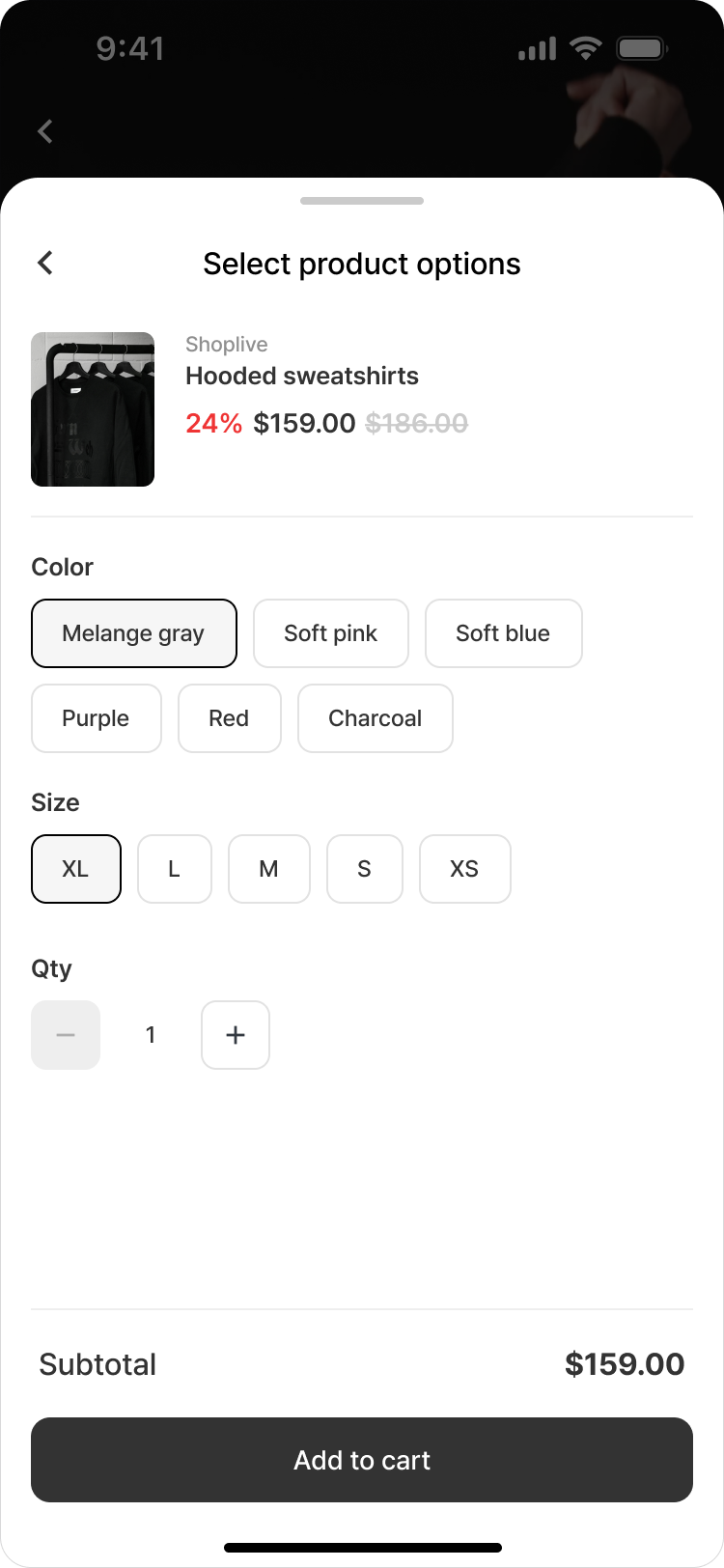 |
Viewers can also see the list of products in their cart through the shortform player.
 | 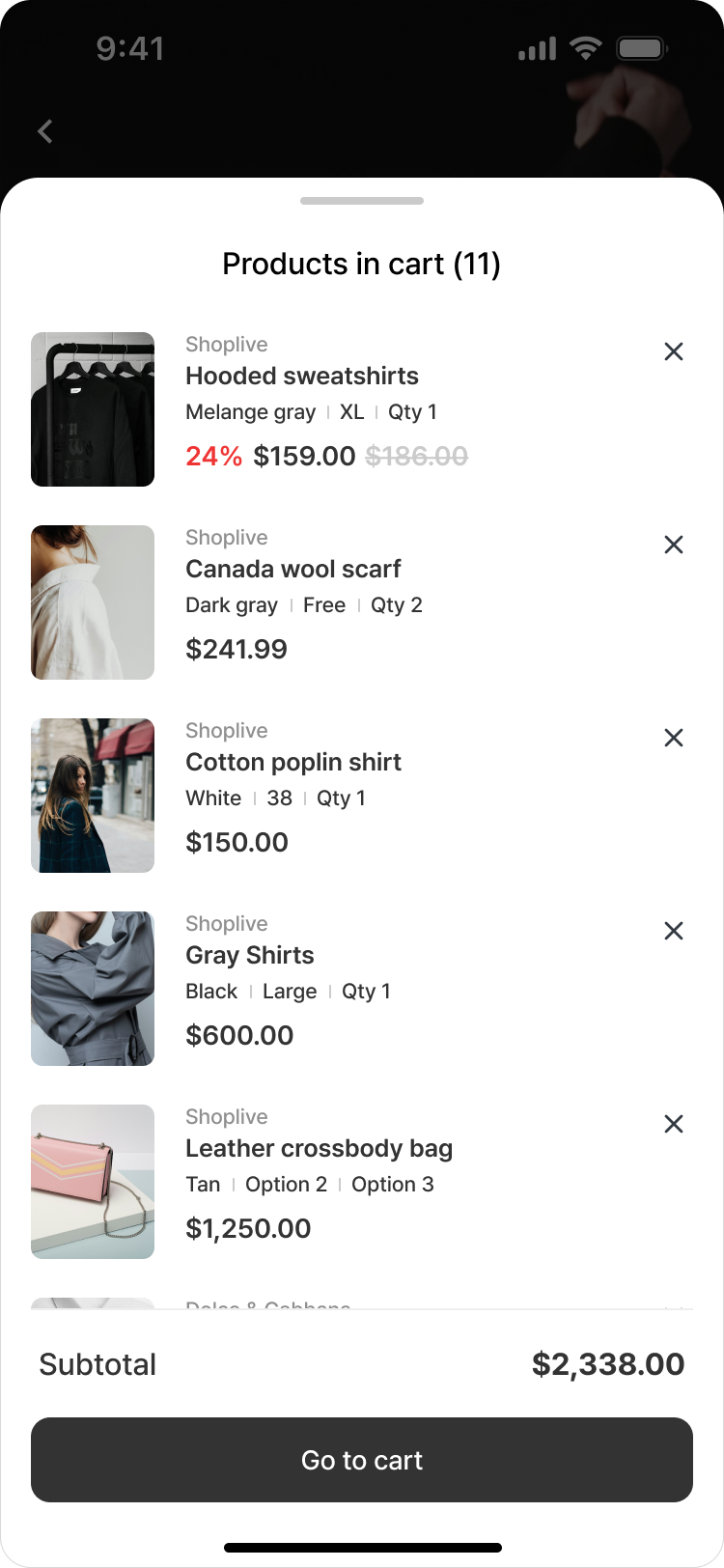 |
Specify a separate cart page link
const config = {
  accessKey: 'CUSTOMER_ACCESS_KEY',
  platform: 'SHOPIFY', // Specify the platform if you use add to cart
  shopify: {
    cartLink: 'YOUR_CUSTOM_LINK',
  },
};

cloud.shoplive.initShortform(config);
If you don’t specify a separate cart page link, it goes to Shopify’s /cart page by default.
Specify the update id for cart UI refresh requests
const config = {
  accessKey: 'CUSTOMER_ACCESS_KEY',
  platform: 'SHOPIFY', // Specify the platform if you use add to cart
  shopify: {
    cartLink: 'YOUR_CUSTOM_LINK',
    // it should be section id
    // e.g) if the tag's id is 'shopify-section-custom-bubble', the section id is 'custom-bubble'
    customUISections: ['custom-bubble'],
  },
};

cloud.shoplive.initShortform(config);
If you don’t specify a separate UI to refresh, the requested dom id is as follows.
‘cart-drawer', 'cart-icon-bubble', 'cart-notification', 'cart-drawer-items', 'cart-drawer-footer'
To show the Shopify price plus tax in the option selection UI
const config = {
  accessKey: 'CUSTOMER_ACCESS_KEY',
  platform: 'SHOPIFY', // Specify the platform if you use add to cart
  shopify: {
    tax: {
      displayTaxIncluded: true, // Whether to show prices with consumption tax included
      taxRate: 0.1, // Consumption tax rate (e.g. 10% → 0.1)
    },
  },
};
cloud.shoplive.initShortform(config);- Note: for KRW and JPY, decimals in the price after adding tax are truncated. For USD, the third decimal place of the price after adding tax is truncated.